Receive and return belongings
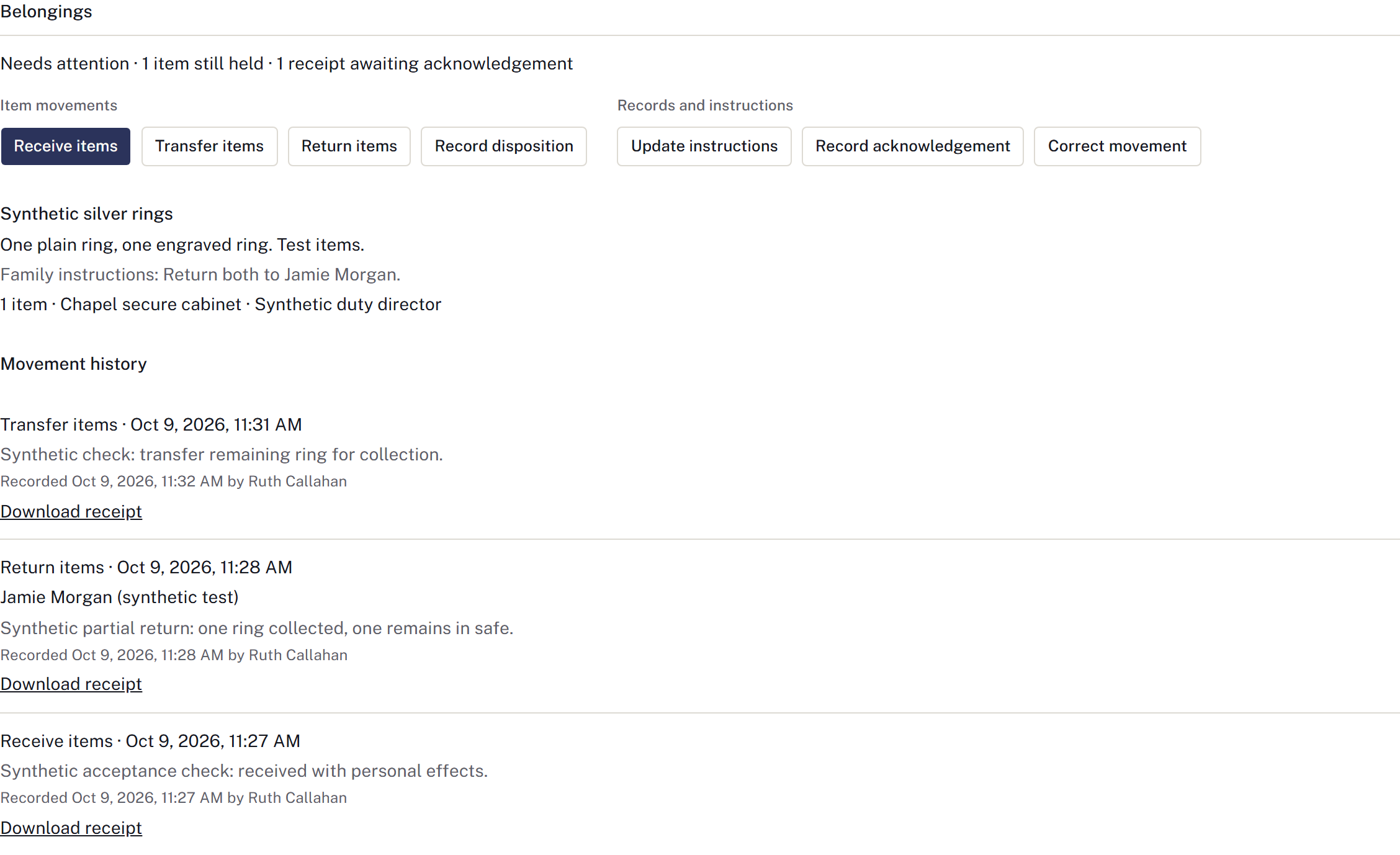
Use Belongings on the case to record items entrusted to the firm. Review receipt even if nothing was received; an empty list means Receipt not reviewed, not confirmation that there were no items.
Receive and locate items
Select Receive items. Record the description, quantity, unit, condition, family instructions, destination location, receiving custodian and actual occurrence time. Link an appropriate photograph already in Documents if useful, then Save record and check the quantities held.
If no belongings arrived, select No belongings received and confirm the actual situation. Use Update instructions for later family instructions; instructions alone do not move or return an item.
Transfer, return or record disposition
- Choose Transfer items, Return items or Record disposition for what actually happened.
- Enter only the quantities moving from each location; leave unaffected quantities at zero.
- Record the custodian or recipient/final destination, actual time, and required reason and authority.
- Save and check the remaining quantities and Movement history.
Do not record a planned return as completed. A disposition requires the actual outcome and authority, not just a note that an item is no longer wanted.
Keep the receipt and acknowledgement
Use Download receipt for the relevant movement. After obtaining the paper acknowledgement, upload its signed copy to this case's Documents. Select Record acknowledgement, choose the exact movement and signed paper receipt, and record who acknowledged those items.
Downloading the receipt does not acknowledge it. Review both items still held and receipts awaiting acknowledgement before closeout.
Correct a mistake
Use Correct movement to reverse the incorrect record while preserving history, then record the correct movement. If later transfers make a correction impossible, review the intervening movements before retrying. Accounted for comes from recorded quantities and acknowledgement evidence; archive review does not perform a physical return.