Prepare and deliver a paperwork packet
Use Paperwork packets on the case to prepare the firm's applicable documents together. The packet records exact copies, required signatures and delivery; it does not send documents merely by generating them.
Prepare the documents
- Check the working statement, vital details, arrangement recap and family contacts.
- Select a saved Packet and the intended Funding route, then Prepare new packet. This choice does not approve funding or record payment.
- Review the documents that apply. Use Generate / resume for each document and resolve any listed missing inputs.
- Open every generated copy and check names, wording, amounts and layout.
- In Documents, select the case contacts matching the required signer roles and save the complete signer list before requesting signatures.
If generation was interrupted, resume the existing item. If it is still being generated, wait for that operation rather than preparing duplicate packets. A changed source or definition can make a packet outdated; prepare a replacement instead of modifying its retained copies.
Record signatures
Use electronic signing for the configured signers. For paper signatures, upload the signed PDF first with the source copy's financial and sensitive-data classification. Select Record paper signature for the signer, open Exact source copy, choose Signed scan, check the signature against that copy, and Save paper evidence.
Each required person needs their own evidence. Uploading a scan alone does not complete the signer requirements. Family vital-review attestations also have their own review outcome.
Give the family their copies
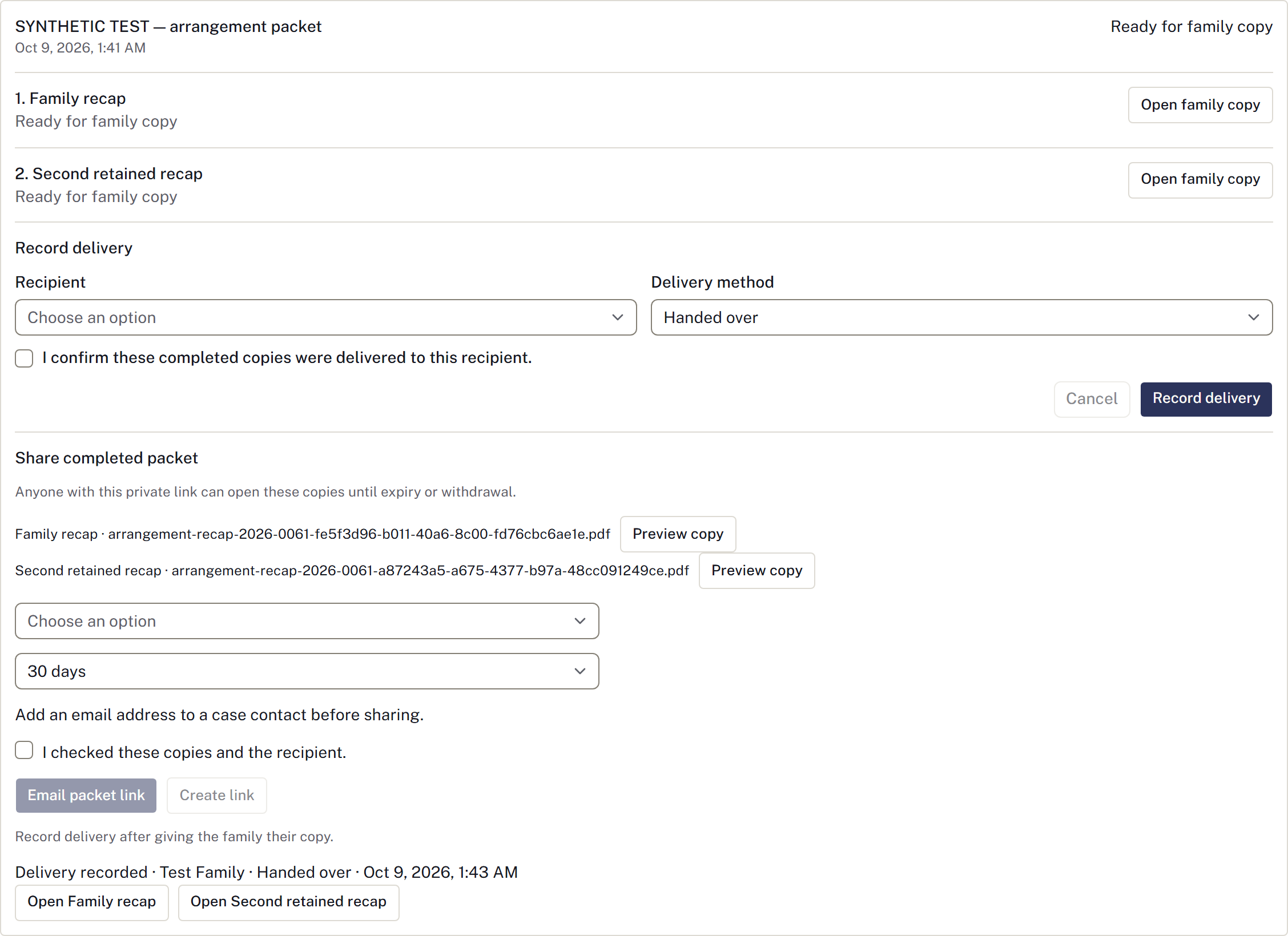
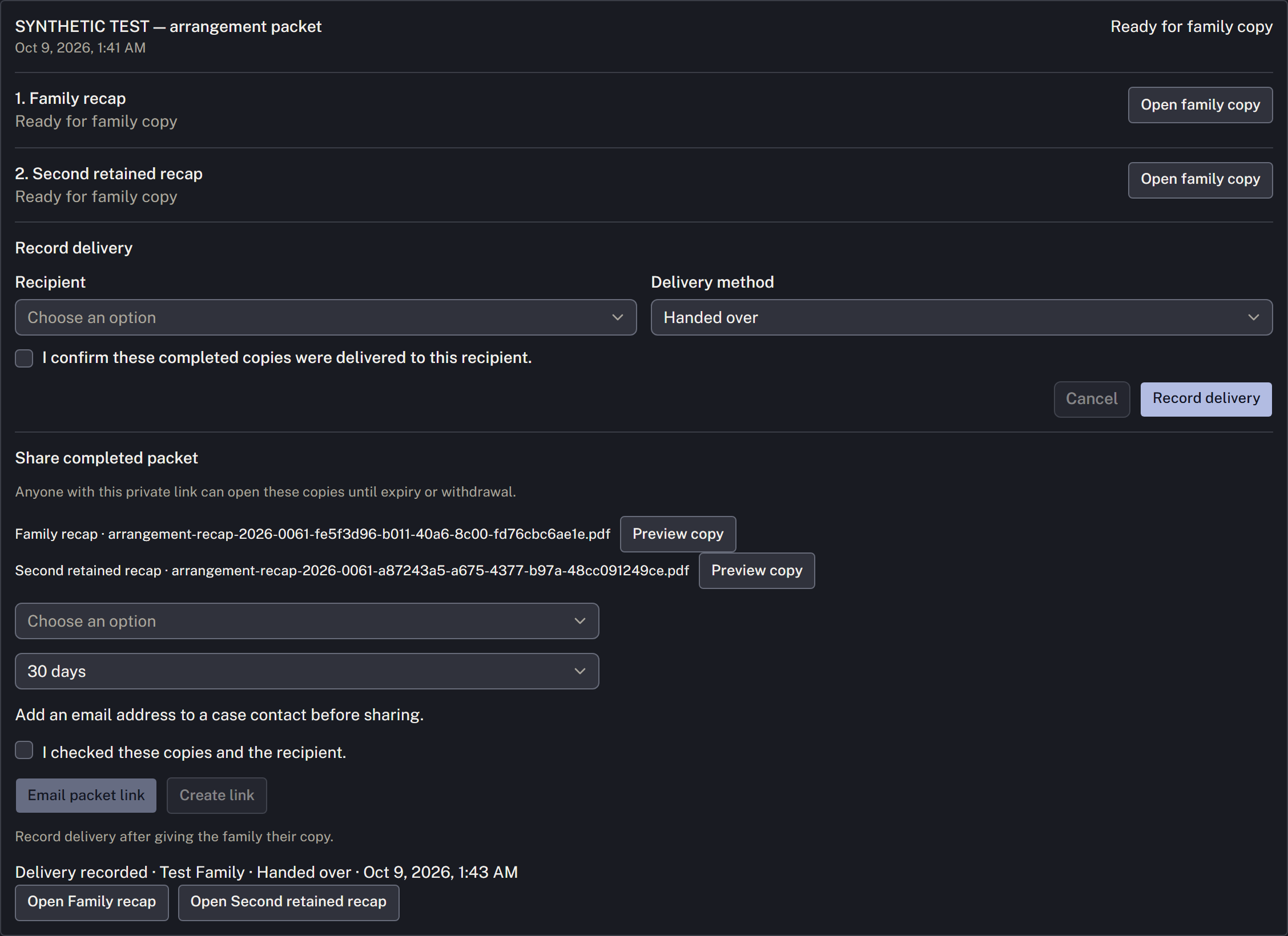
When the packet is Ready for family copy, use Open family copy and provide the completed copies through the agreed channel. Open original remains available when it differs from the completed copy. Then select Record delivery, choose the recipient and method, confirm that these copies were actually delivered, and save.
Use Share completed packet to review the exact copies and the recipient’s email address. Email packet link sends a private link; Create link shows it once for you to copy. Use Preview copy to check each document, and choose an expiry of 7, 14, 30 or 90 days. Anyone holding the link can open only these copies until it expires or is withdrawn.
Email sent — delivery not confirmed confirms the send was accepted, not that the family received or read it. If the outcome is unknown, check before using Reissue. Reissuing withdraws the old link even if the replacement email cannot be confirmed. Withdraw link asks for a reason; Confirm withdrawal closes access and retains that reason. A changed contact address does not reroute an existing link. The history flags changed contact details and newer packets while retaining the original recipient and copies.
Generating, downloading, printing, or creating a link is not manual delivery. Record delivery remains a separate record of copies you actually handed over, posted or otherwise delivered. Selecting Email or Family portal there records a completed delivery; it does not send anything.
Earlier packets and evidence remain in the case history. A correction requiring new documents also requires checking signatures and delivery for the replacement.
Set up the firm's packet
A manager opens Settings → Case workflow → Form templates → Packet definitions, then New packet definition. Name it, add documents in order, choose disposition/funding/selected-work applicability, required inputs and signer roles, and Save packet version. Built-in statement, vital review and recap forms are available alongside supported PDF firm templates.
Use Create revised version for a change. Existing packets retain the definition and template versions they were prepared with. Confirm actual firm forms and acknowledgement wording before using a packet with a family.