Manage locations
The owner manages locations. Each case belongs to a location, and staff may be restricted to particular locations.
Add a location
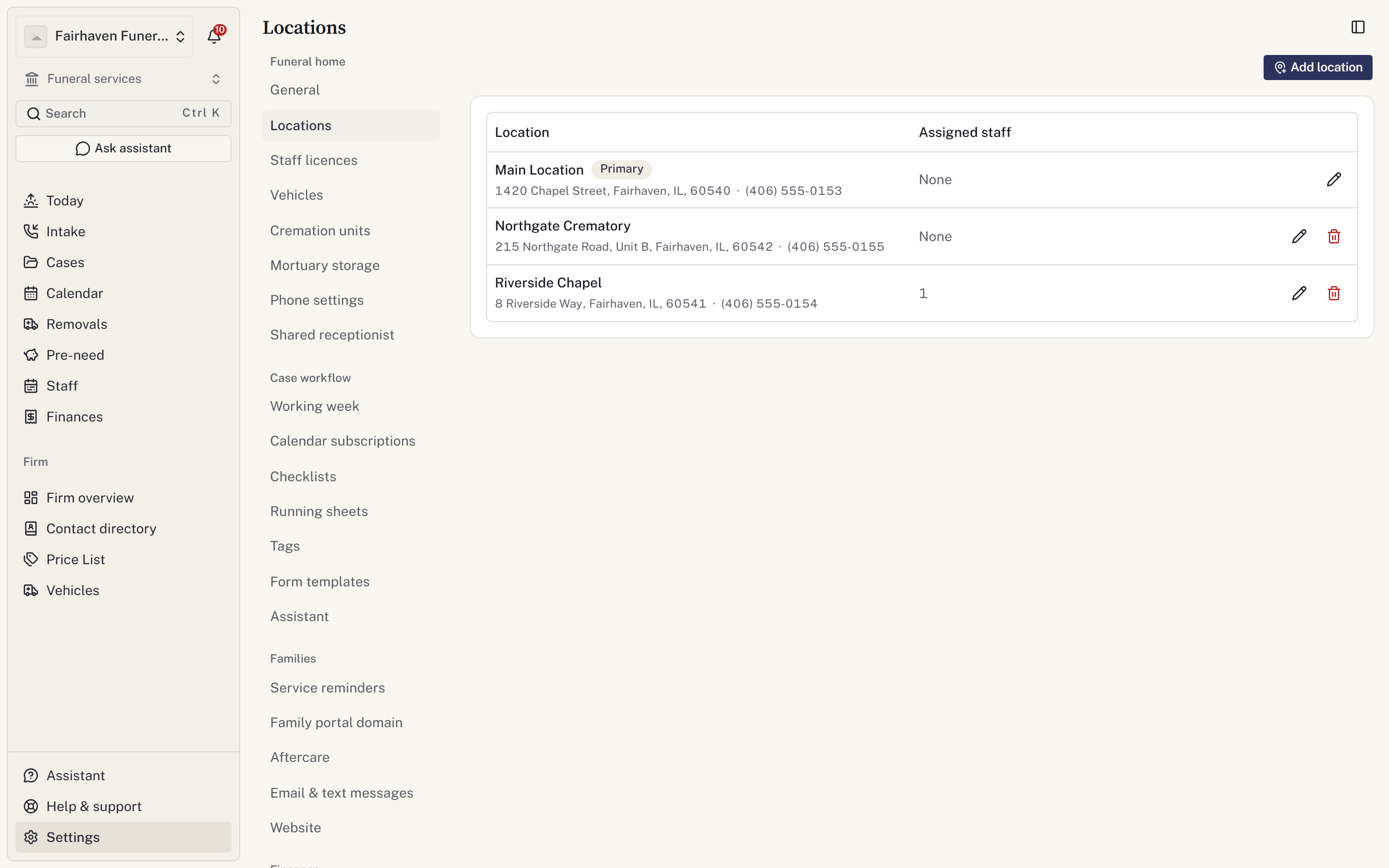
- Open Settings → Funeral home → Locations.
- Select Add location.
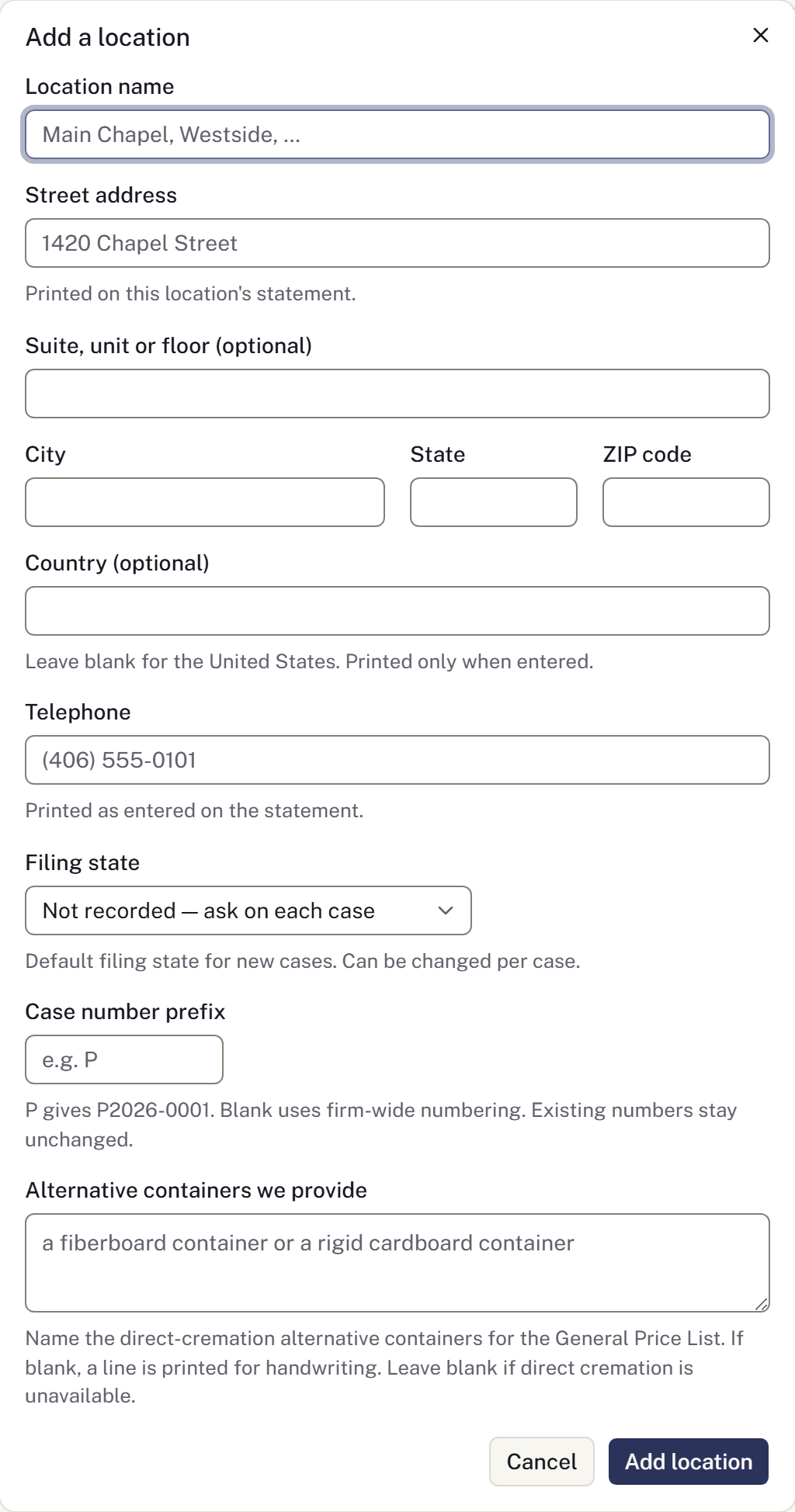
- Enter the location name, address and telephone number.
- Set the case-number prefix and filing state where applicable.
- Select Add location and check the saved details.
Use a location for a branch the firm operates. Add outside hospitals, cemeteries and other providers to the Directory.
Correct a location
Select Edit, change the details and choose Save changes. Check addresses used on newly generated forms after an address change.
Deleting a location is refused when records still depend on it. Do not repurpose an old location as a different branch to bypass this restriction.
Staff access
Location access is set separately from a person's role. An empty restriction list means access to all locations. See Staff and roles.
When opening a case, check the selected location before saving. It affects which staff can see the case.