Set up a checkbook
Match the checkbook and next number to the firm's check stock.
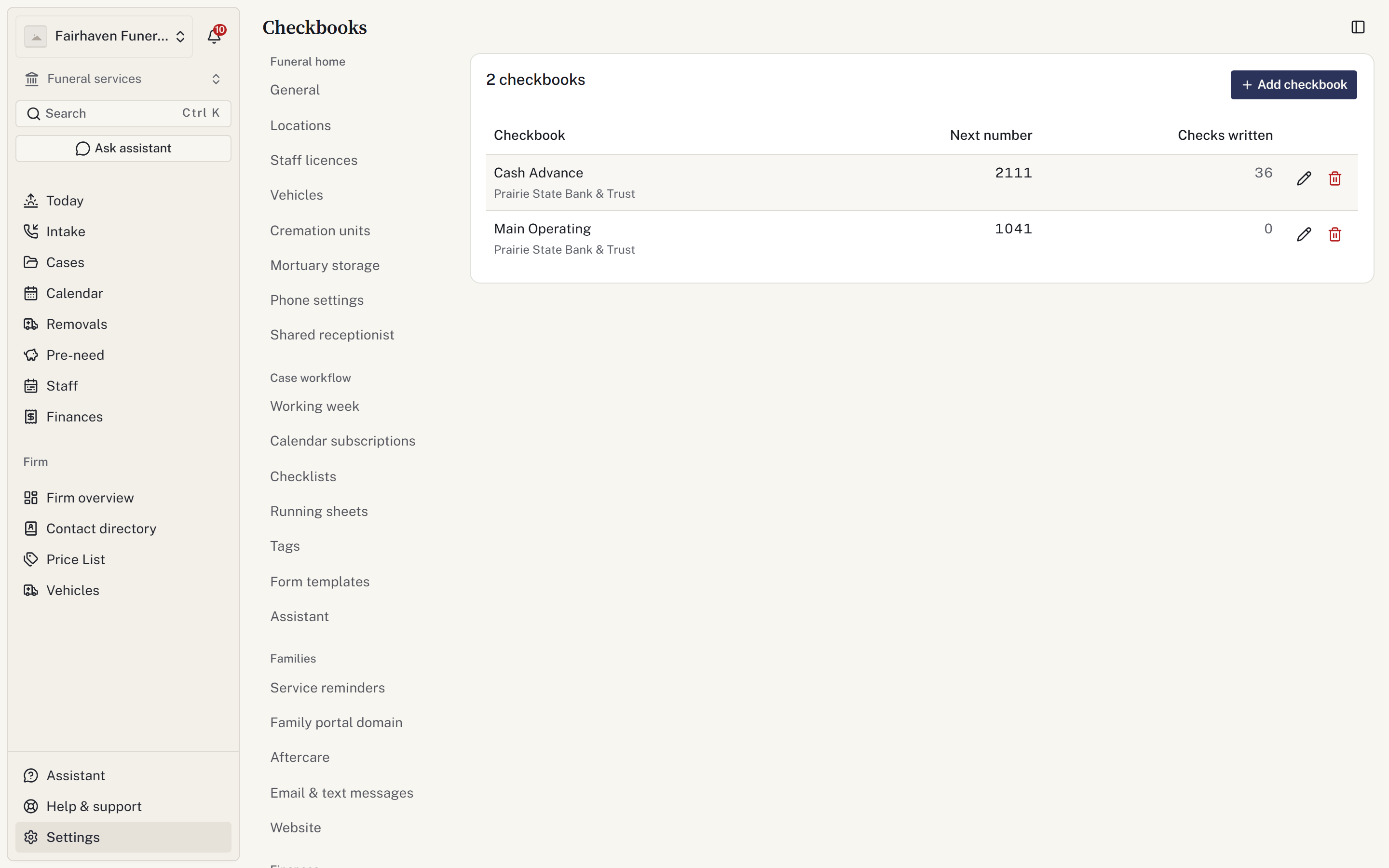
A checkbook identifies the bank account used for checks and tracks the next check number. It does not show the bank balance. You need permission to manage financials.
Add a checkbook
- Open Settings → Finances → Checkbooks.
- Select Add checkbook.
- Enter a name staff will recognise and the bank.
- Set Next check number to the next unused blank.
- Select Add checkbook.
When recording a check, the next number is filled in for you. Check it against the stock; you can enter a different number when recording the expense.
Correct the counter
Use Edit checkbook to correct the name, bank or next number after a printing problem or skipped blank. Select Save changes.
A number already used by a check cannot be reused in that checkbook, including after voiding. Different checkbooks may use the same numbers.
Print and retire
Prepare a check template and test alignment on plain paper against the stock before printing a live check.
Use Cash advances to record and print checks on a case.
Select Retire checkbook when it should no longer be offered. Previously recorded checks keep their checkbook and number.