Approve time off and maintain coverage
A colleague requests two days off next week. Before deciding, the manager needs to review existing shifts, on-call duties and service assignments.
Staff member: submit the request
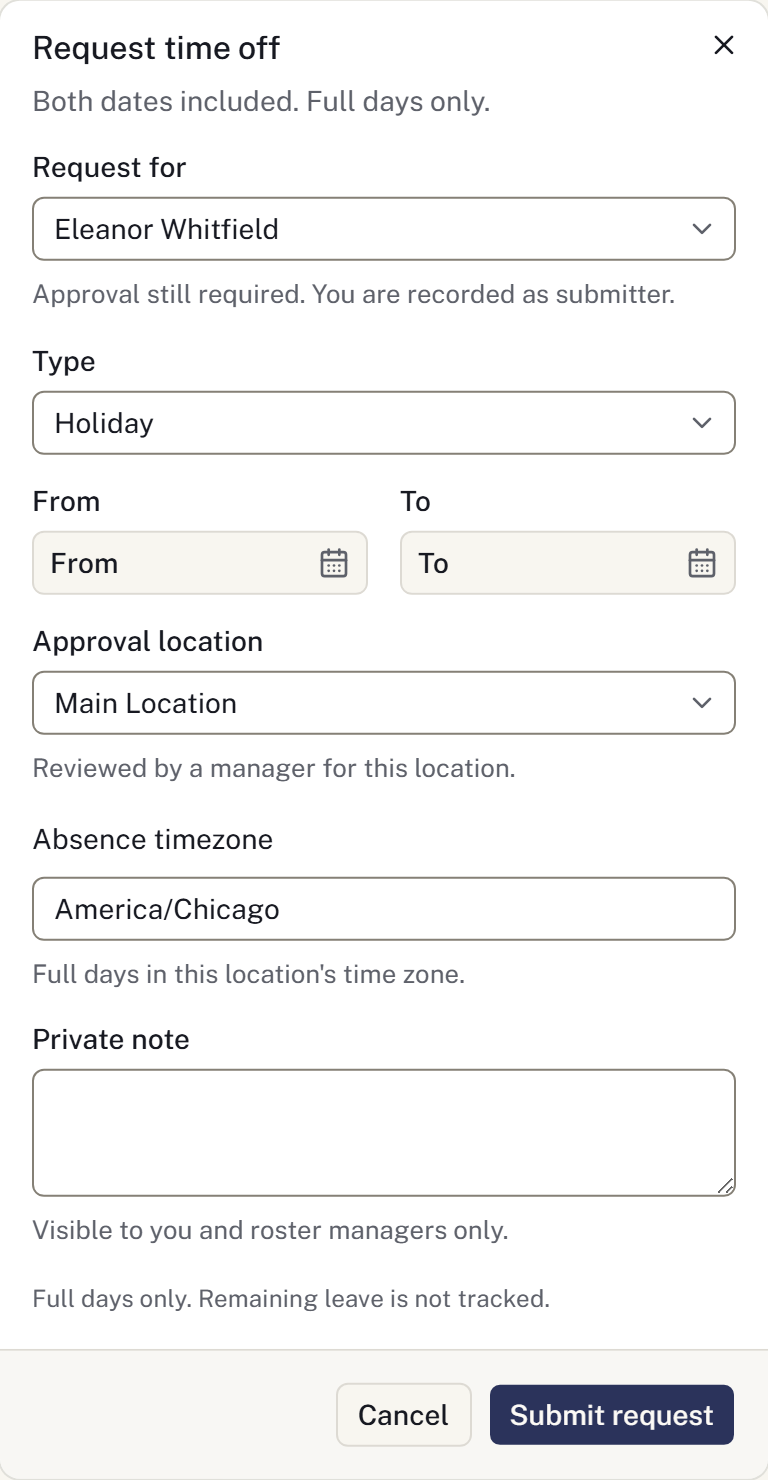
- Open Staff → Time off → Request time off.
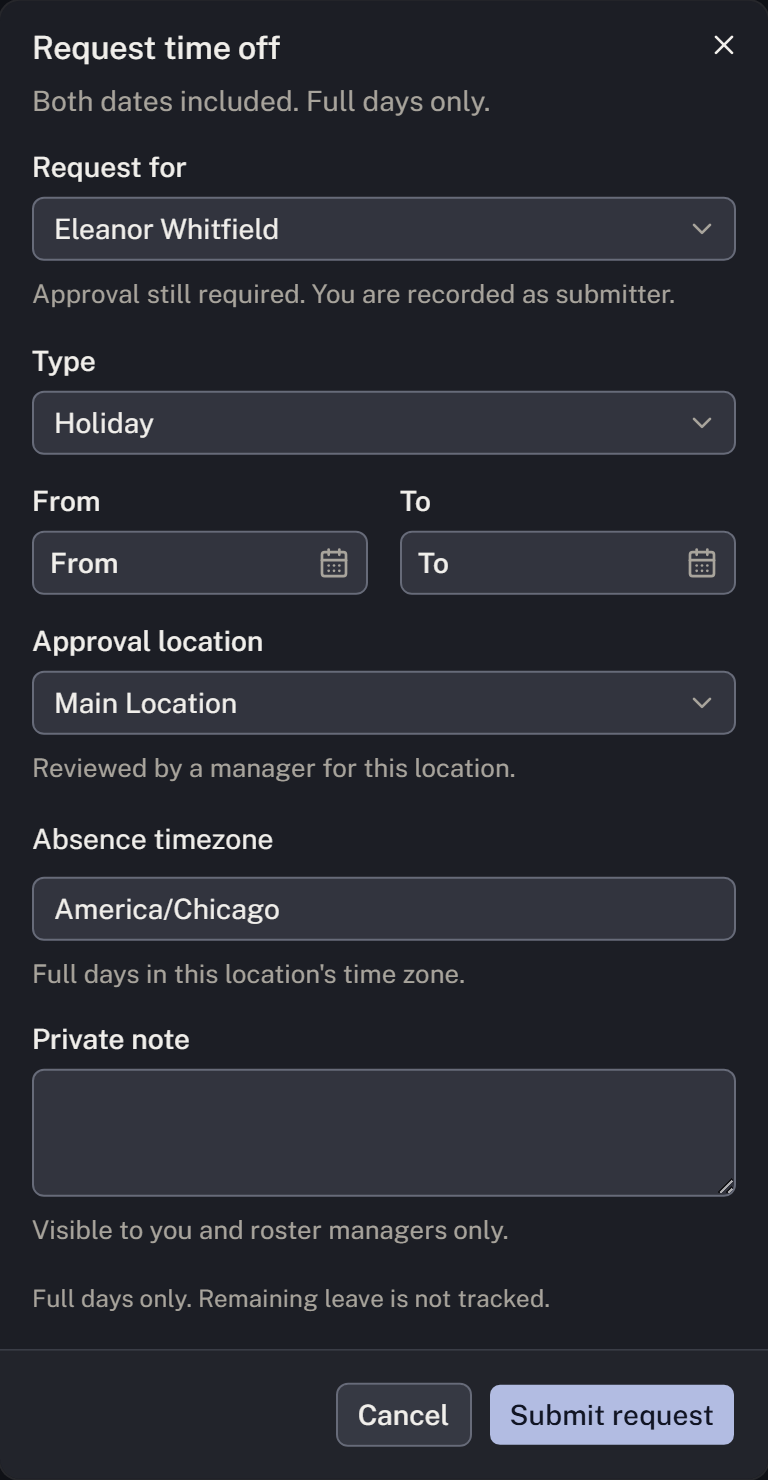
- Choose Type, From, To and Approval location. Check the Absence timezone. Both dates count, and requests cover whole days.
- Add a Private note if needed and select Submit request. Check that it appears under My requests as Pending.
Manager: review commitments and decide
- Open Requests to review and the request's approval action. You cannot approve your own request.
- Review Impact on existing work: published shifts, on-call assignments and staffed services during the absence. Use Refresh if needed. If details are outside your visible scope, coordinate with the manager who can review them.
- Decide how affected work will be covered. Use Approve time off or Decline time off, add a private decision note if appropriate, and confirm.
- After approval, review the roster and arrange shift cover or change future assignments through Manage shifts. Review on-call duties and case service staffing separately. Approval records the absence; check each affected commitment to ensure coverage is arranged.
If the plans change
A pending request can be withdrawn. For approved time off, the staff member uses Request cancellation; the days remain approved until a manager selects Cancel approved leave. To change approved dates, cancel the original absence and submit a new request.
Review the roster and service assignments again after cancellation, since replacement arrangements may already exist. Time off records requests and decisions; it does not calculate remaining leave entitlement.
Finished when: the decision is recorded, the staff member can see it, and every affected commitment has suitable coverage.
Check the saved request and decision after a connection interruption before submitting again. Approval and cancellation do not themselves notify every affected service team or revise each case assignment; review those records separately.