Arrange and record a collection
The office needs a crew to collect Robin Bennett. A case exists, but no collection has been recorded. Confirm the collection details through the firm's normal process before arranging coverage.
This example follows the manual dispatch path. Office dispatch controls and collecting-staff controls depend on permission.
Arrange coverage
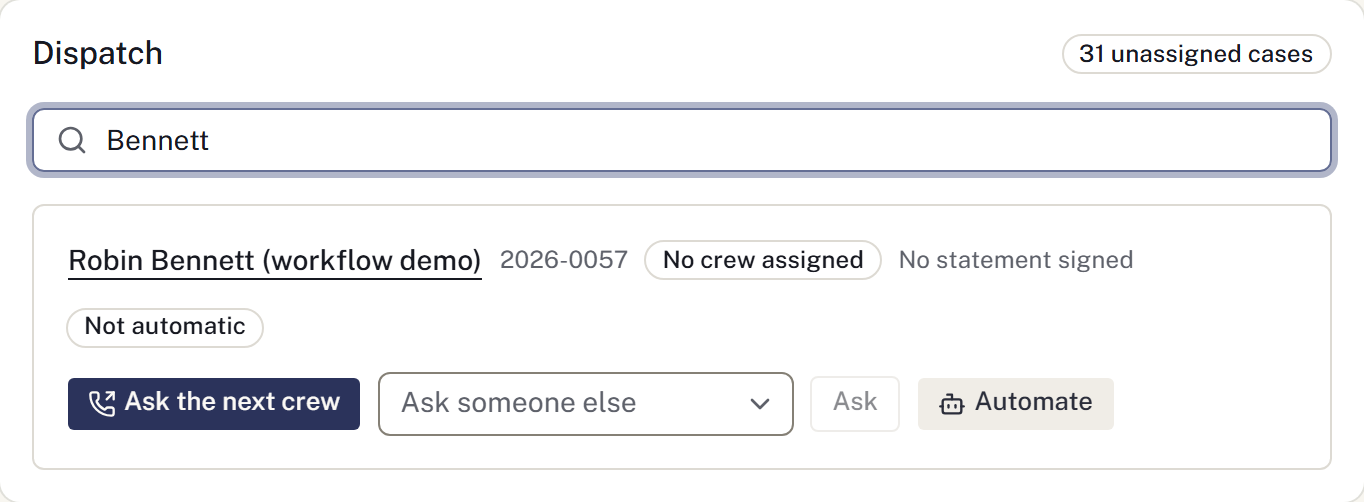
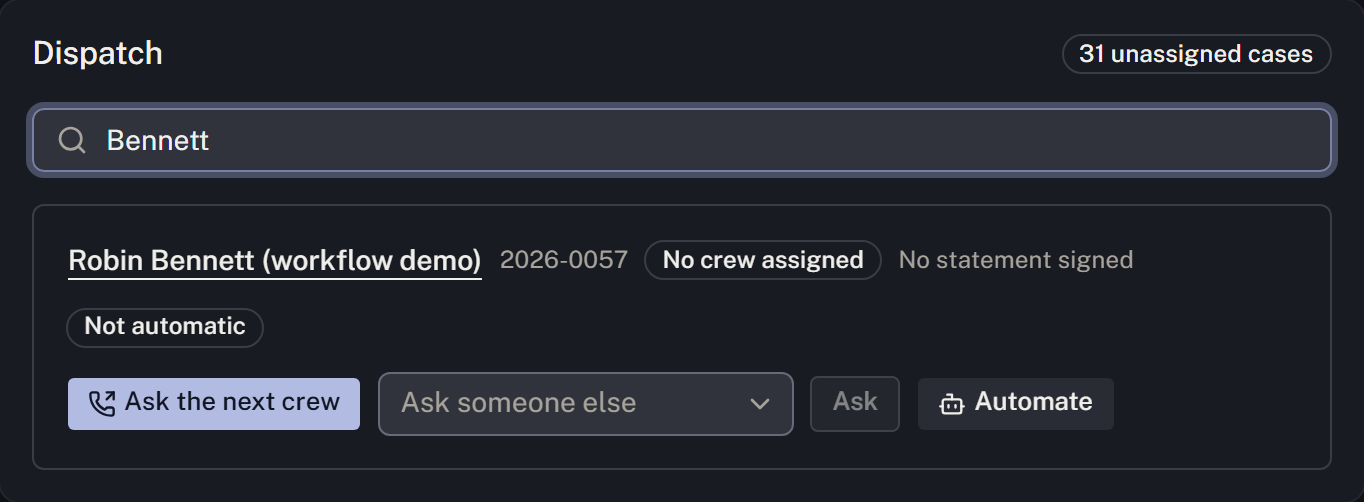
- Open Removals and find the case under Dispatch by name or case number.
- Select Ask the next crew, or choose a person under Ask someone else and select Ask.
- Review the reply. Awaiting reply is an offer, not an assigned crew. If nobody can take the collection, arrange coverage before assuming someone is on the way.
- When the crew accepts the offer, check the people-out list for the dispatch. Accepting the offer assigns responsibility; no separate claim is needed.
If coverage was arranged directly without an accepted offer, the collecting staff member selects the case and uses I'm collecting this to claim it. Then check the people-out list.
Record the collection
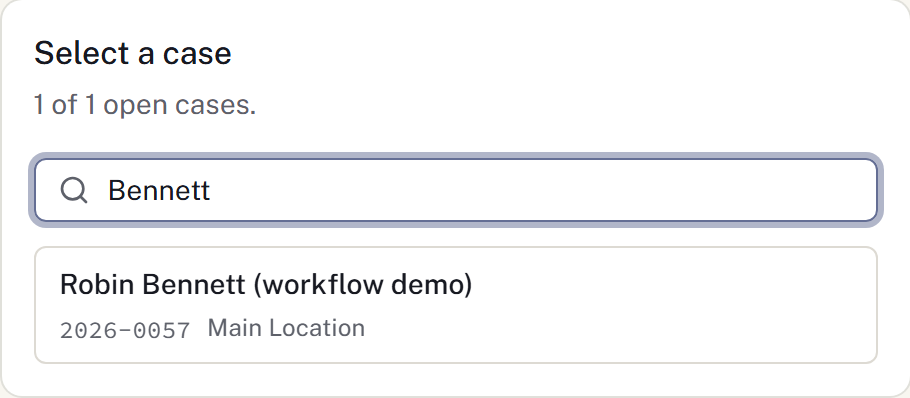
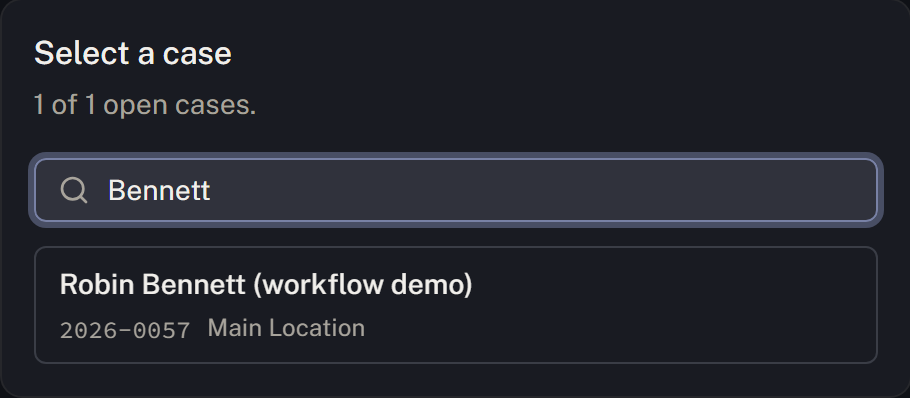
- When the collection occurs, select the correct case and enter relevant notes.
- Select Record the removal.
- Check the saved or waiting-to-send result, then verify the movement in the case's custody history.
A claim records responsibility for collecting. The removal records the transfer into the firm's care at the current time. For a past movement or another transfer type, use Preparation & care → Record a movement on the case. See Record care and custody.
If plans or the connection change
Use Hand this back if you can no longer complete your collection. Staff with the appropriate access can Release an uncompleted dispatch.
If a removal is waiting to send, it has not reached the shared record. Reconnect and use Send now where offered, then check the custody history before entering it again. Do not clear browser data while an entry is still waiting to send. See Record a removal and Connection problems and offline work.
Record items received with the decedent
Review Belongings after collection. Record the actual items, quantities, condition, custodian and family instructions, or explicitly record that none were received. A removal entry does not create an item receipt or acknowledgement.