Hand over the day and follow up on a wait
A medical certification request is still outstanding when another director takes over. The incoming colleague needs to see both the external dependency and who will chase it next.
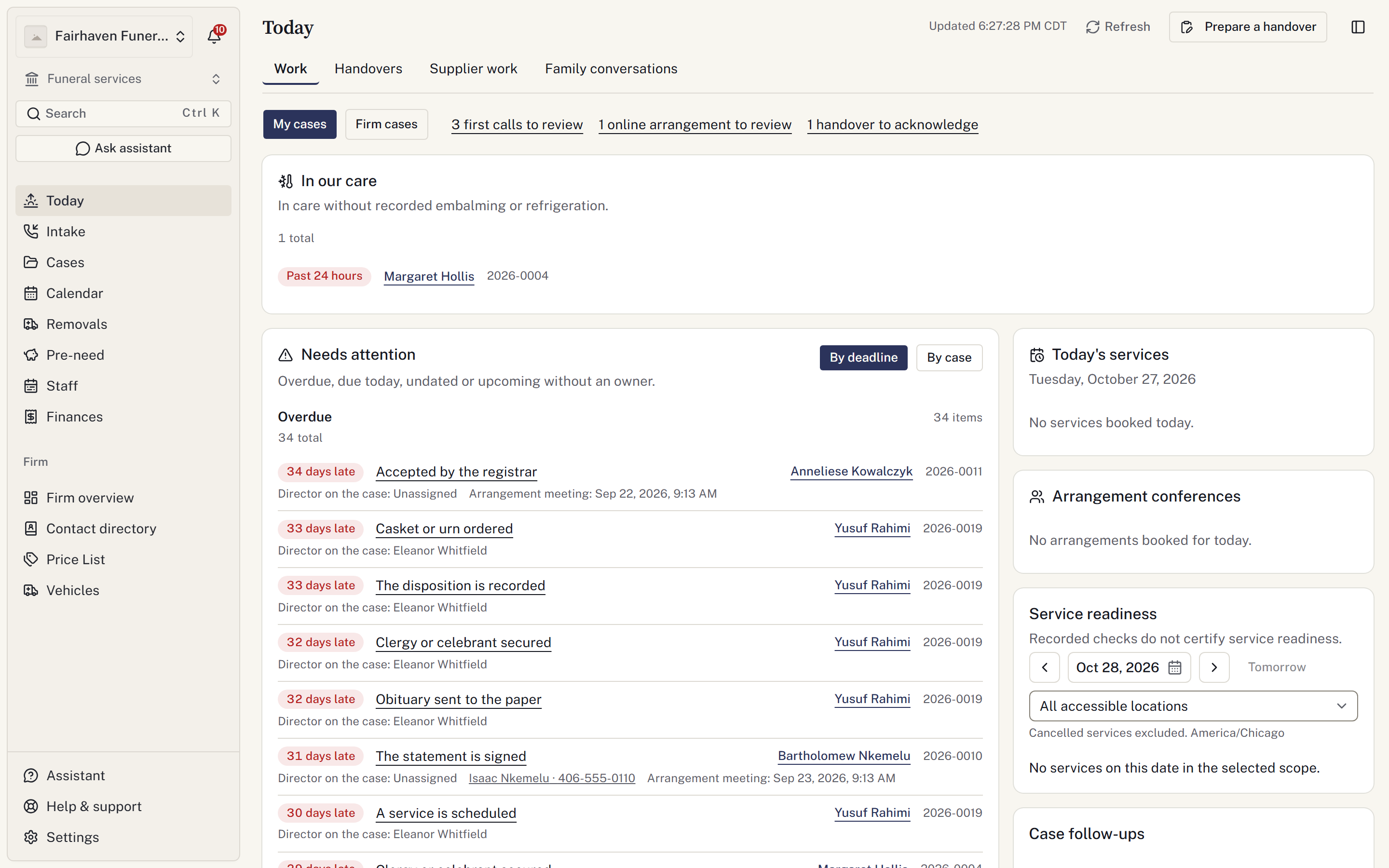
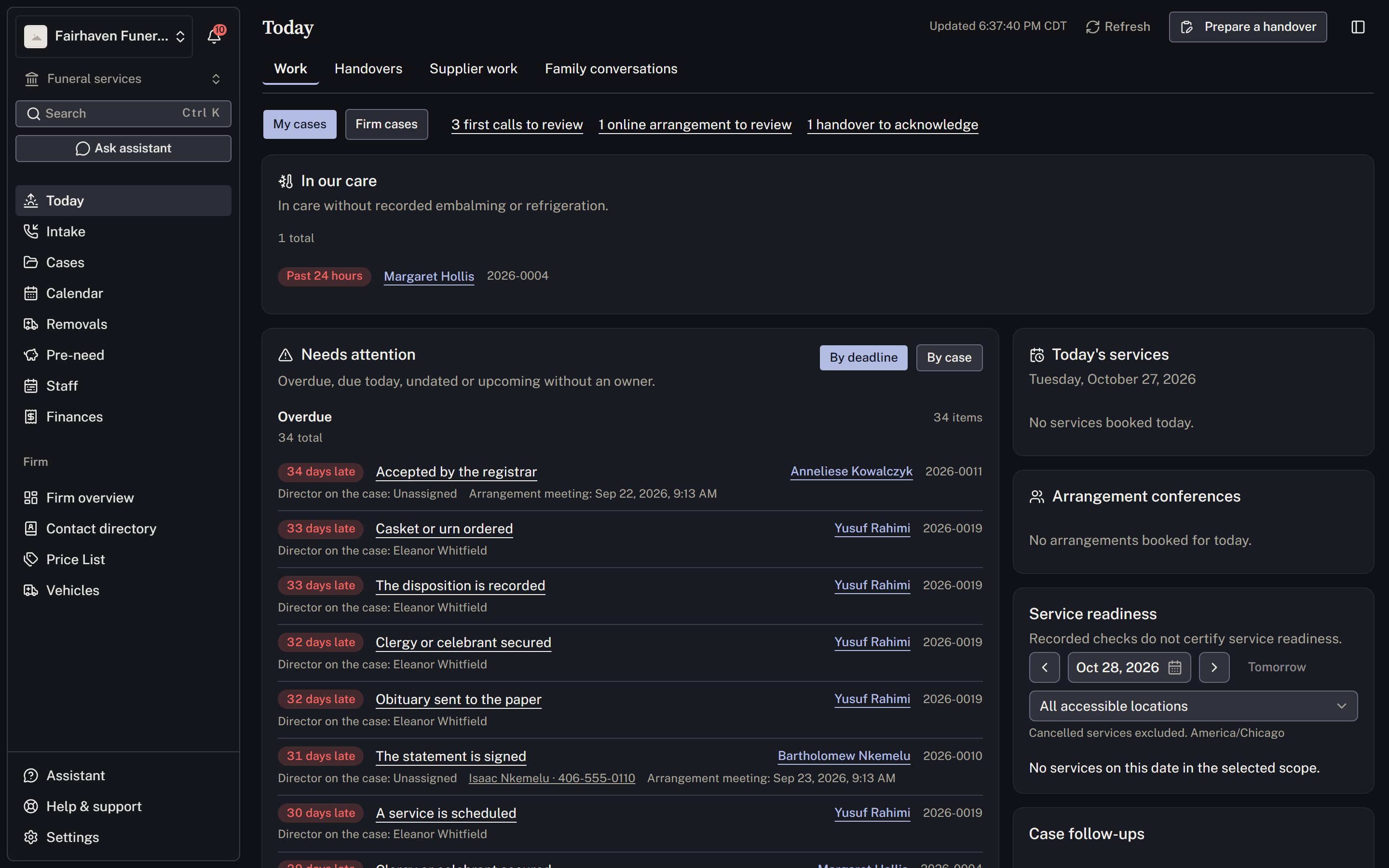
Review the day's work
- Open Today and choose My cases or Firm cases as appropriate.
- Review work under Needs attention. Use Show all to see the remaining items in a section.
- Open each linked case before acting. Complete a manual checklist item after the work is done; update the source record for a reported item.
- Review Needs a date and Upcoming work without an owner. Assign a date or colleague on the linked case.
- Review Service readiness, which starts with tomorrow in the firm’s timezone. Use the date and location controls to change the review. Open each case to address outstanding checklist work, staffing warnings, merchandise and external waits. Not established means the records cannot answer; it does not mean ready.
See Plan the working day for assignment, watching a case and saved boards.
Record the external dependency and staff follow-up
- On the case, open Waiting on → Record a wait.
- Choose the external directory contact under Who and select the Request type.
- Check Waiting since and choose Staff following up. Enter Next follow-up in your local time, add the internal note, and select Record wait.
- Check the saved owner and time. Today → External follow-ups includes open waits due today, overdue, or without a follow-up date. The queue excludes resolved and withdrawn waits.
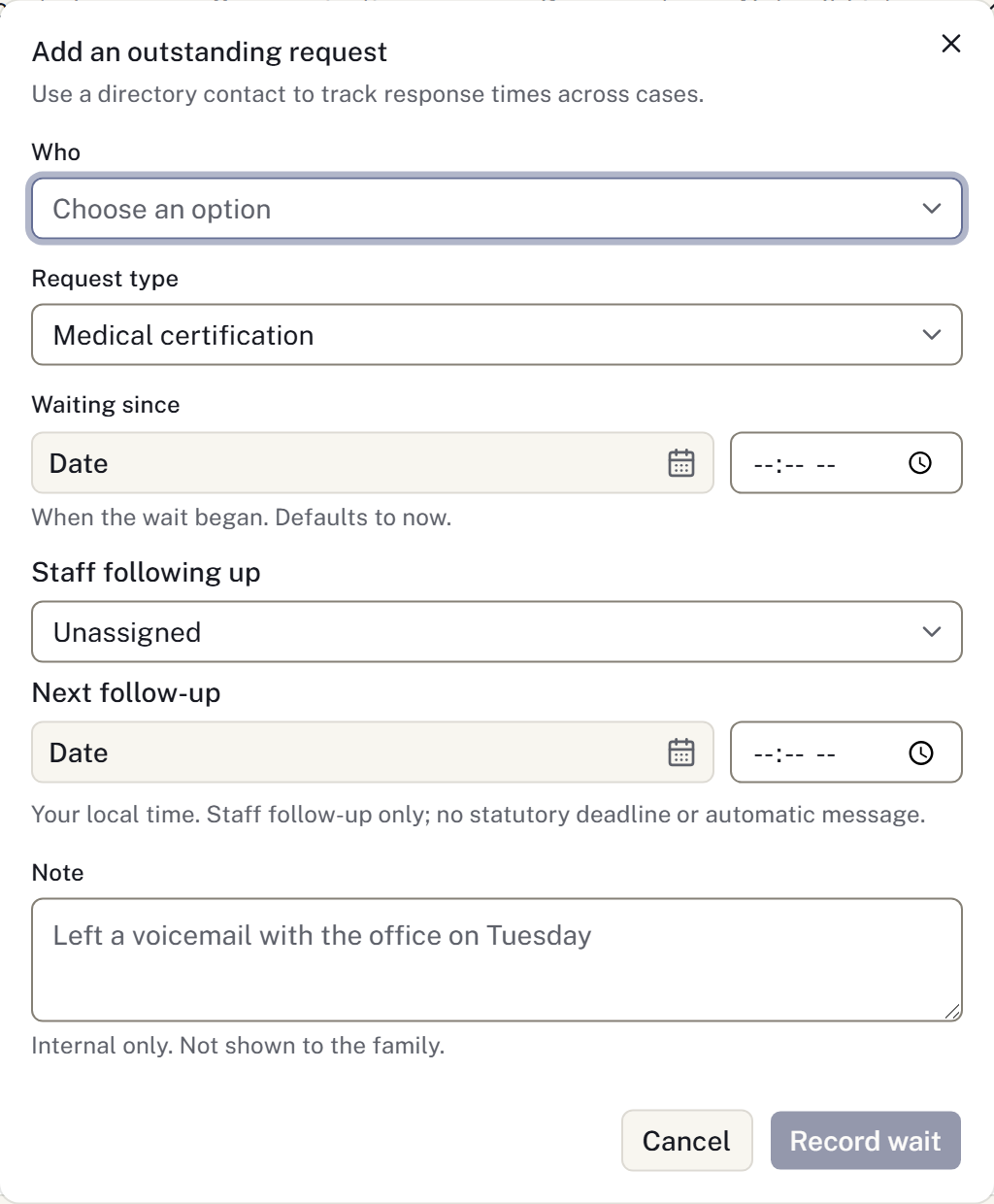
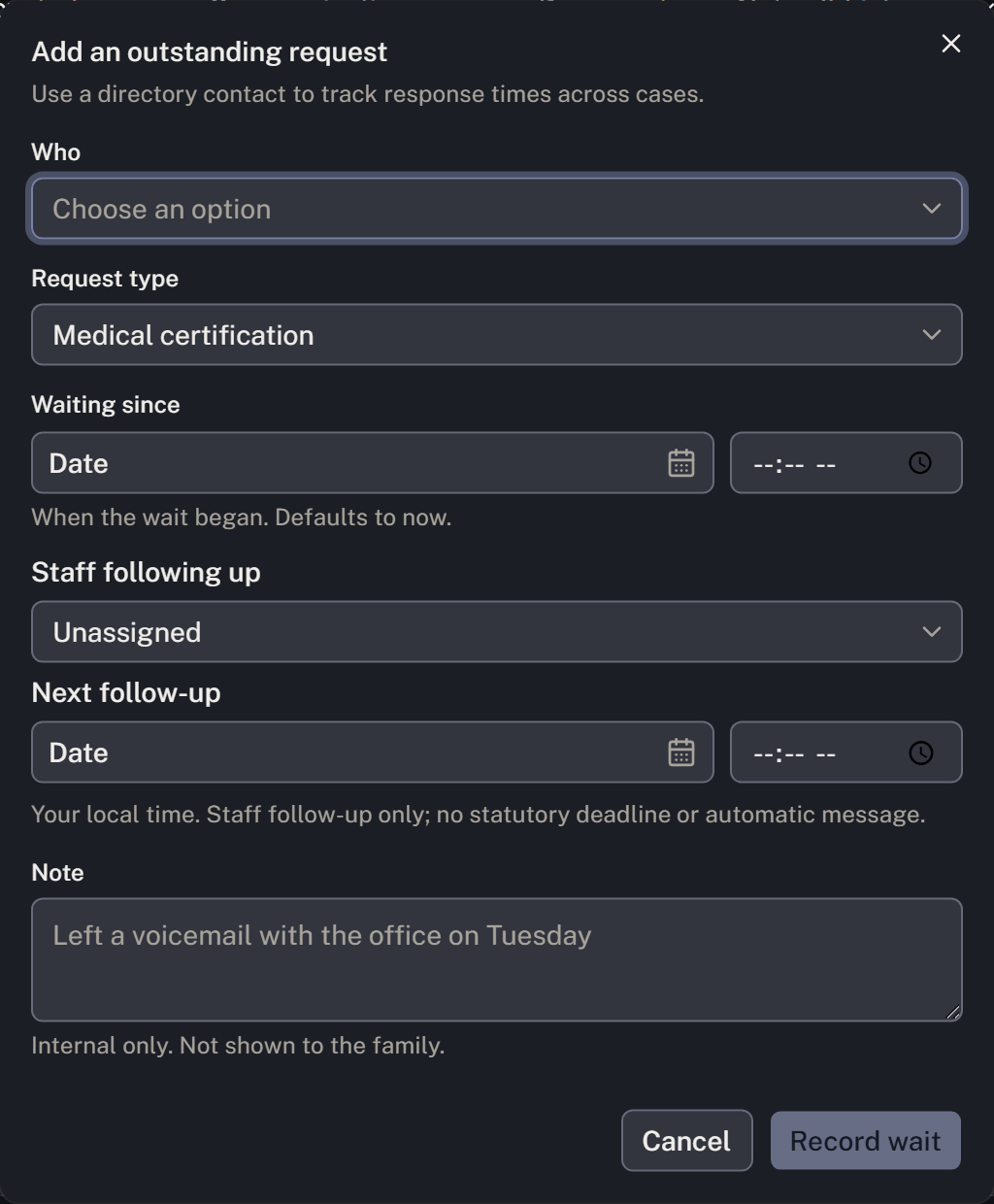
The external contact owes the response. The assigned colleague owns the follow-up. A note alone does not schedule a callback, and recording a wait does not send a reminder.
Review and resolve the wait
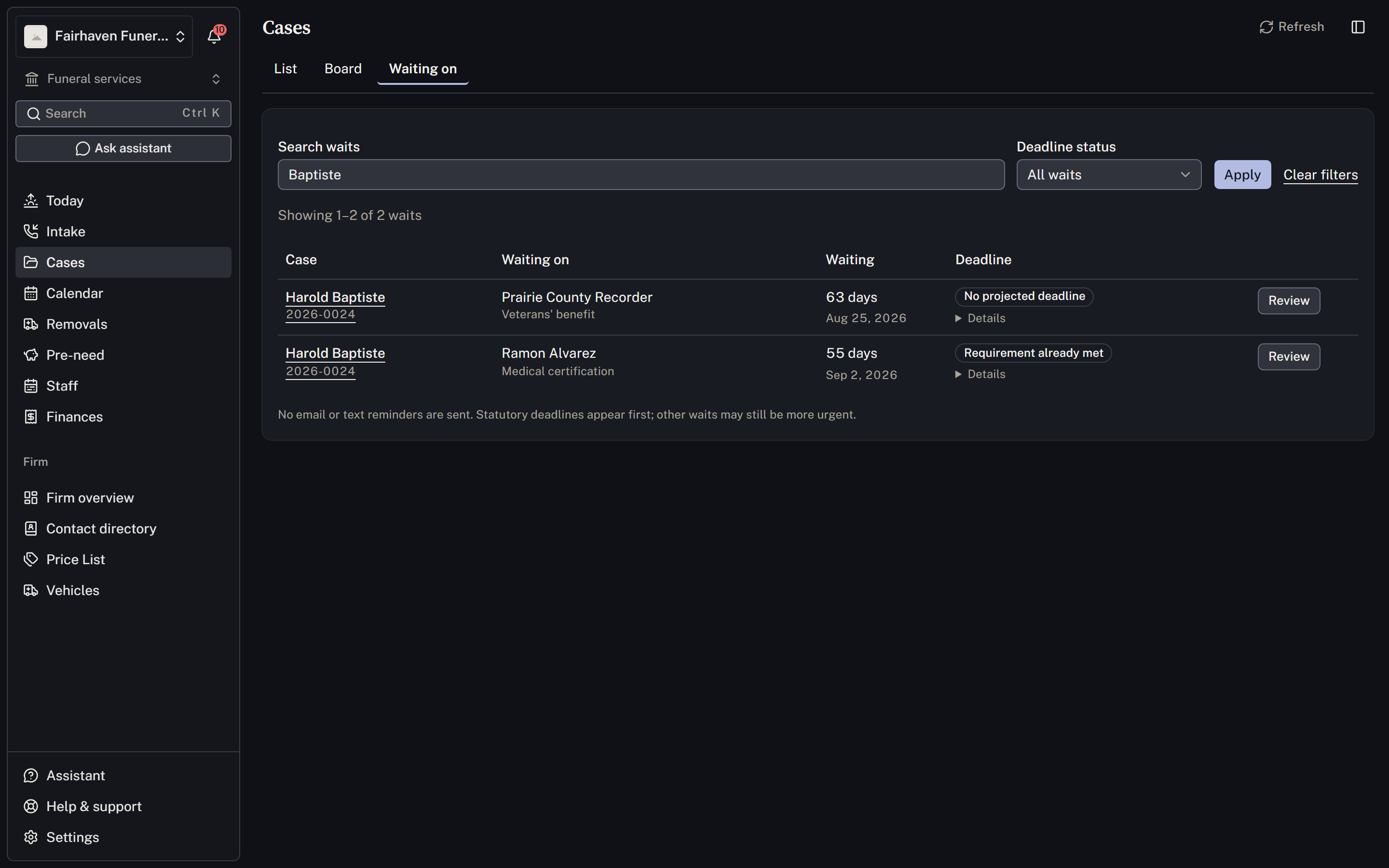
Open the firm's Cases → Waiting on list and use Review to return to the case. Read the deadline explanation: Past due, No projected deadline, Rule not registered and Requirement already met describe different states. A request without a projected deadline may still need urgent attention.
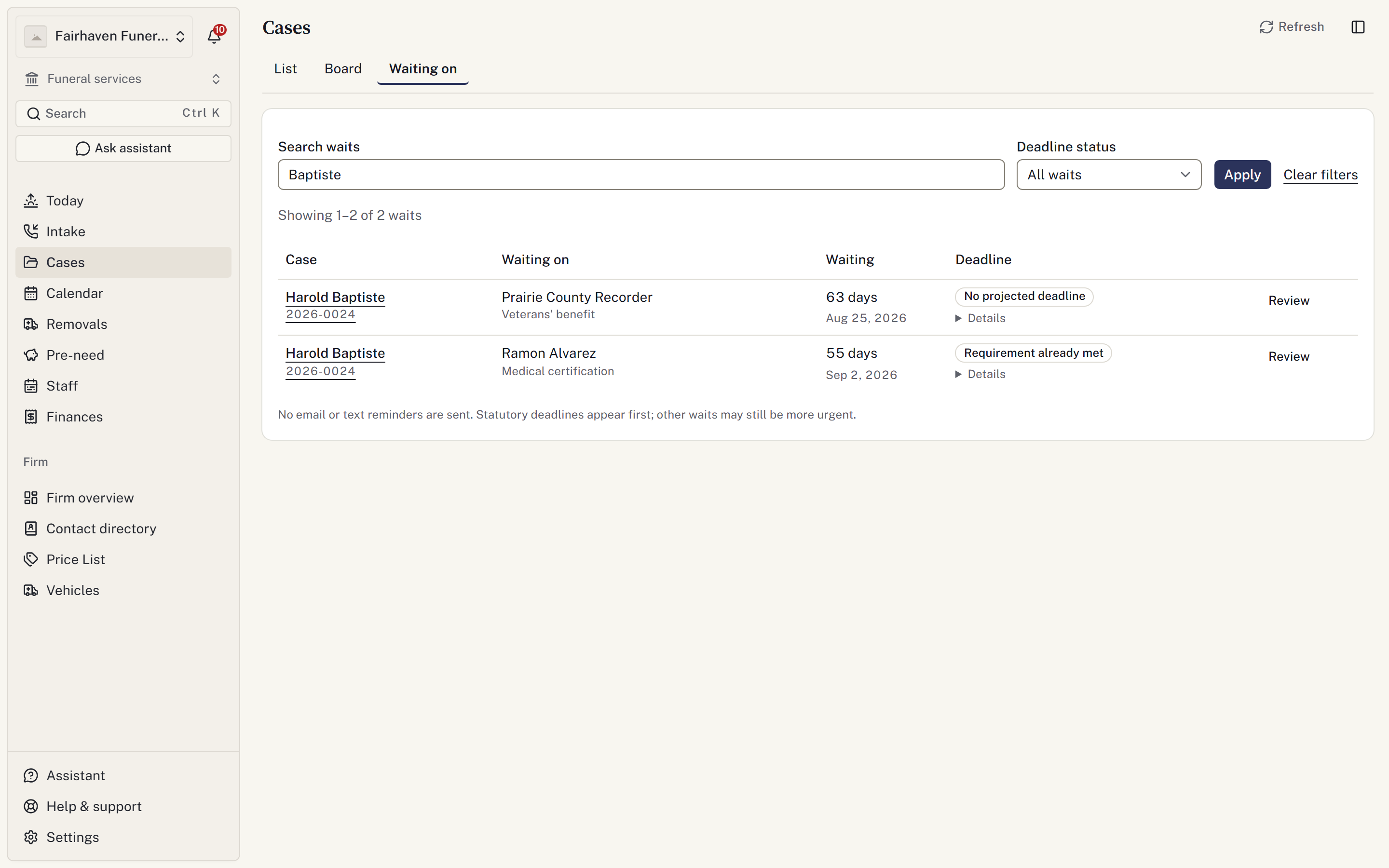
When the response arrives, record the evidence in the appropriate case section. On the wait, select Mark resolved, enter when it arrived, and confirm Mark resolved. If you also created a checklist task, review that task as well. See Follow up on a wait for corrections and reopening.
The handoff is ready when the incoming colleague can identify the next commitment, the outstanding request and the person responsible for chasing it. Their location access must include the case.
Burial handoff example
Casey calls about Robin. The incoming director is Eleanor, a service is scheduled, and a transit document is still missing.
- Record Casey’s callback details during New case and choose the responsible director. The case opens directly.
- When Eleanor takes over, update Case summary → Director on the case. Check the new name in Overview.
- Add a checklist item for the missing document and assign Eleanor. If its deadline is not yet agreed, leave it undated and find it in Today → Firm cases → Needs a date.
- Schedule the service and review it under Service readiness. An assigned case director does not establish that enough service staff are assigned.
- When the document arrives, upload it under Documents, check its contents, and complete the manual task. Uploading a file does not itself establish that a permit is valid.
- Review Archive case at closeout. Completed tasks should be clear; investigate unknown and untracked checks before archiving.
Direct-cremation handoff example
Jamie calls about Alex. No public ceremony is planned, and the authorization has not arrived.
- Record the caller and director during intake. Set the disposition and service type in Case summary. Do not invent a ceremony to fill an empty schedule.
- Apply the firm’s Cremation authorisation checklist, if configured. Assign the follow-up work to the incoming colleague.
- Record the external dependency under Cases → Waiting on, with Staff following up and Next follow-up. Review the request type, owner and timezone in Overview.
- When the response arrives, check the actual evidence, attach the relevant document, and update the authorization source record in Preparation & care. The reported checklist item follows that record; the manual items still require staff verification.
- Select Mark resolved on the wait and record when it ended. A past date before the wait started is refused; correct the date in the open form.
- Review the checklist and waits before archive. A completed authorization checklist does not mean the cremation itself has taken place. Follow the firm’s care, custody, cremation and release procedures.
These examples describe fictional work. Follow the firm’s actual authorisation, care and identification procedures.
Worked examples
Check the other shared follow-ups
Review Service and newspaper follow-ups on Today. Open each linked notice or placement and update its actual acknowledgement or publisher outcome. A sent email or submitted advert can still need attention. If details changed, work from the current revision.
Prepare a shift handover for the incoming colleague. The linked case retains the status when prepared and shows current follow-ups beside it; acknowledgement of the brief does not finish those tasks.