Turn an arrangement into scheduled work
The Vance family is discussing a memorial. The time is not yet confirmed, and a celebrant needs to be arranged. Open the existing case before the meeting so the family's decisions and follow-up work stay together.
Record the known details and decisions
Use Decedent → Edit for identity details. Review Family & contacts and the applicable contact roles. Record the agreed disposition and service information using the case controls. Save incomplete details and return to them as decisions are made. See Record an arrangement.
Give unfinished work an owner
- In Checklist, select Apply a list and choose the appropriate template.
- Use Add item for additional work, such as “Confirm memorial time with Margaret.”
- Enter Task, choose Assigned to, and set Due.
- Check that each follow-up appears on the case with the intended colleague and date.
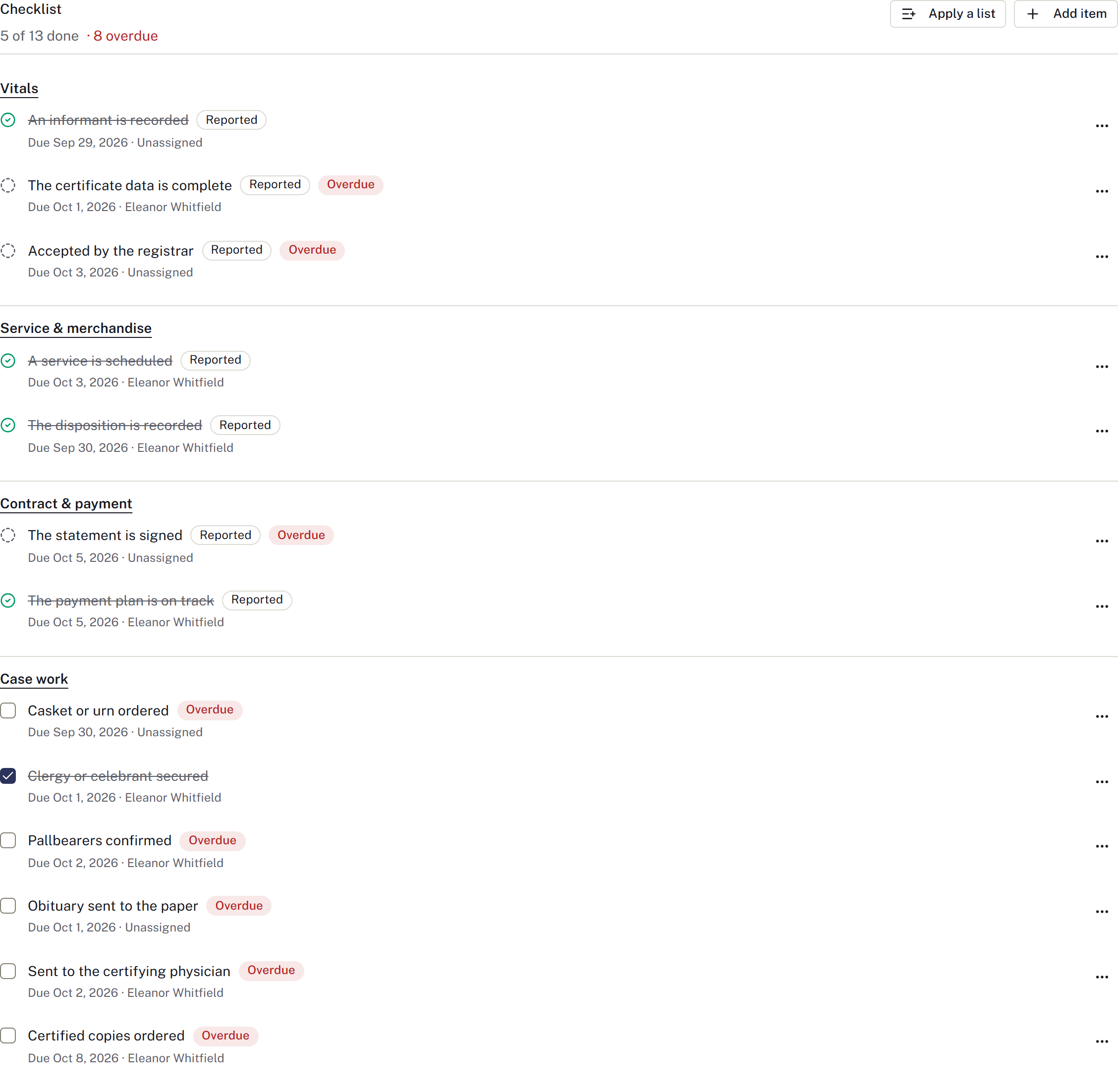
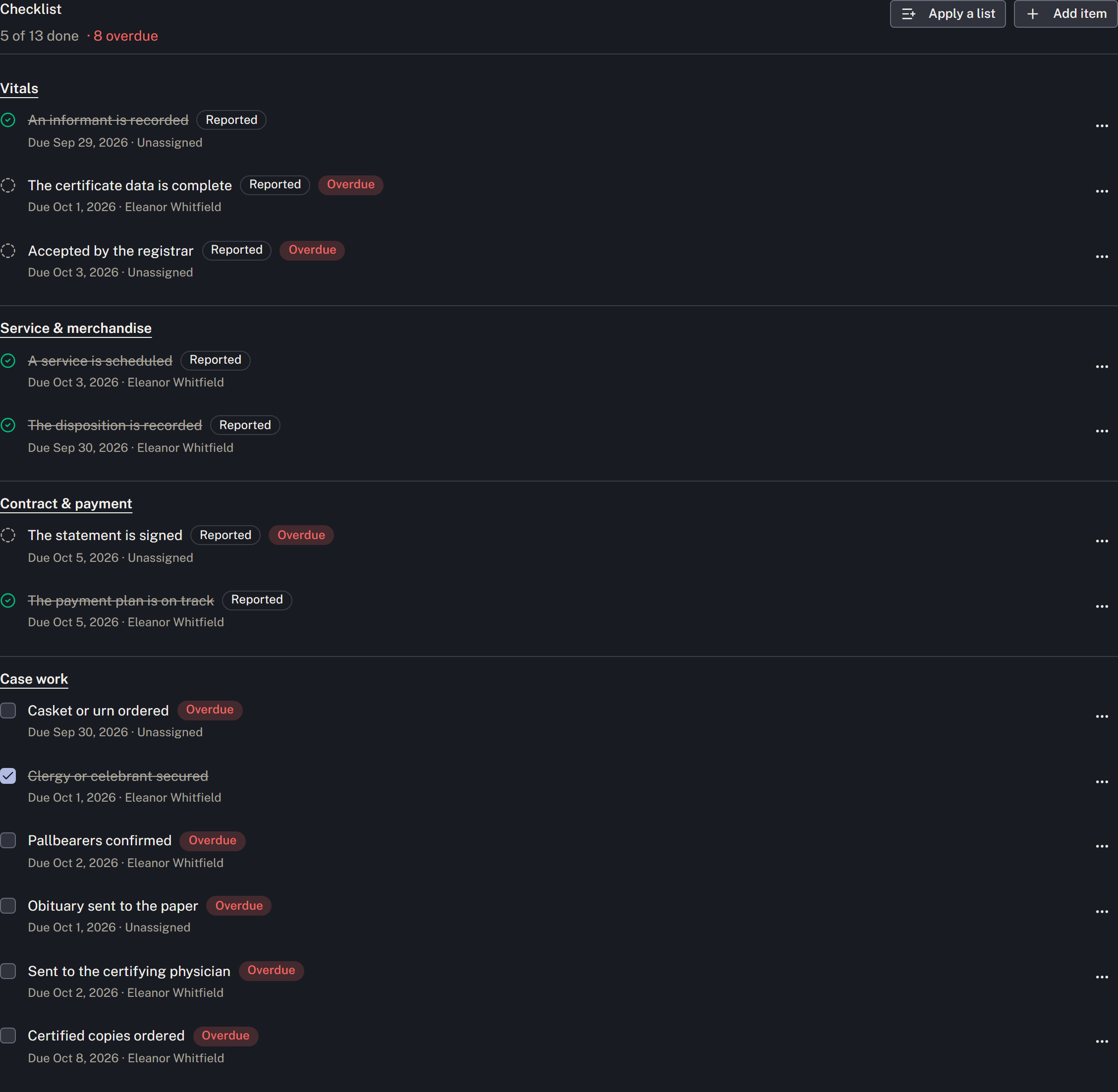
Complete manual items after the work is finished. For an item marked Reported, update the record it reads; it cannot be ticked by hand. Applying a list creates work to review, not evidence that the work is complete.
Schedule the agreed occasions
- Once the time is confirmed, open Services → Add to schedule.
- Choose Type, Event name, Starts, Length in minutes and Where. Check the venue and any staff or vehicle assignments offered for the occasion.
- Review staff and vehicle overlap warnings.
- Select Add to schedule, then verify the provisional booking on both the case and Calendar. Authorised staff use Service confirmation to confirm and publish it after reviewing the firm’s clearance policy.
- Repeat for each visitation, service or committal that needs its own booking.
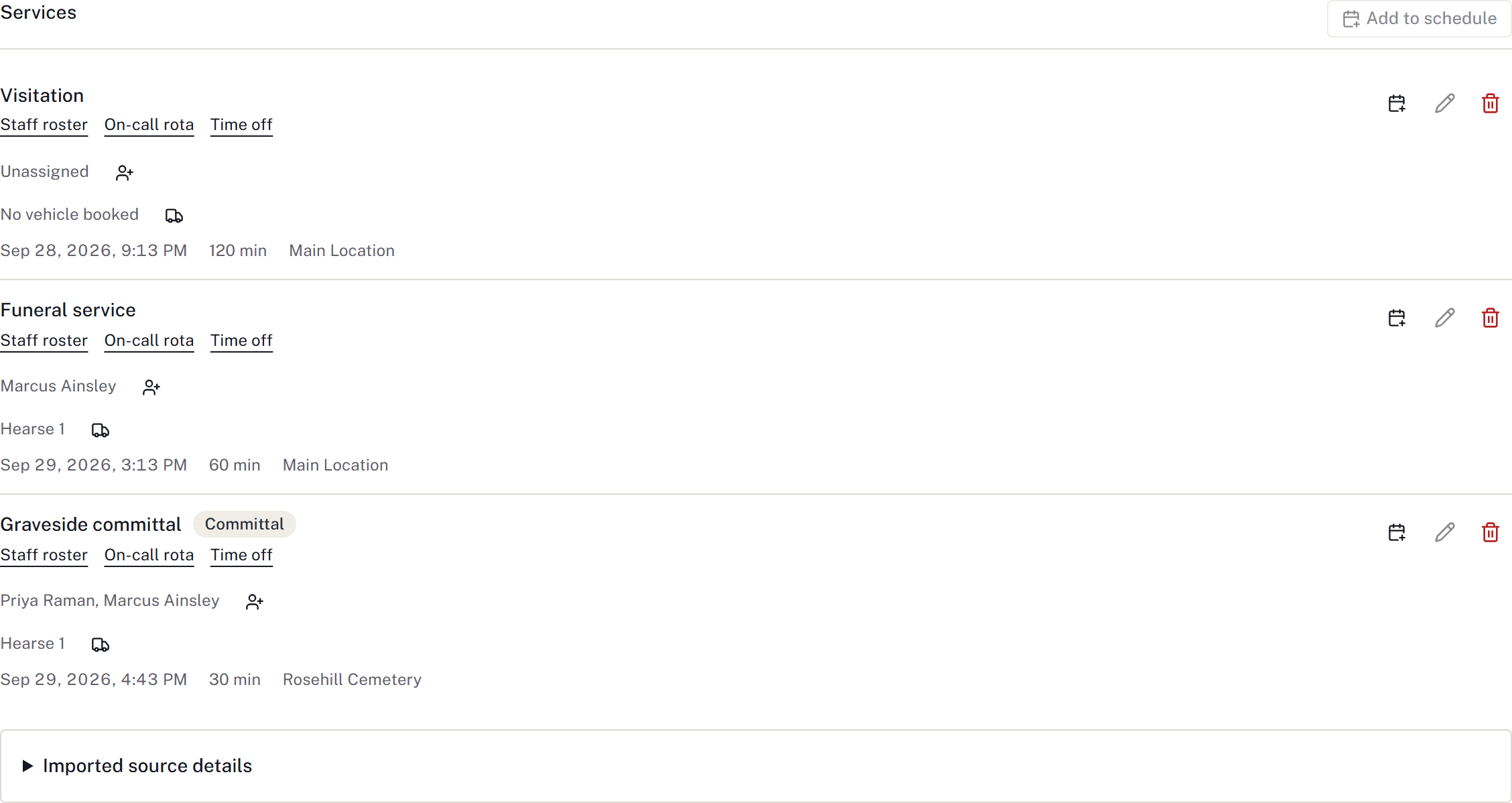
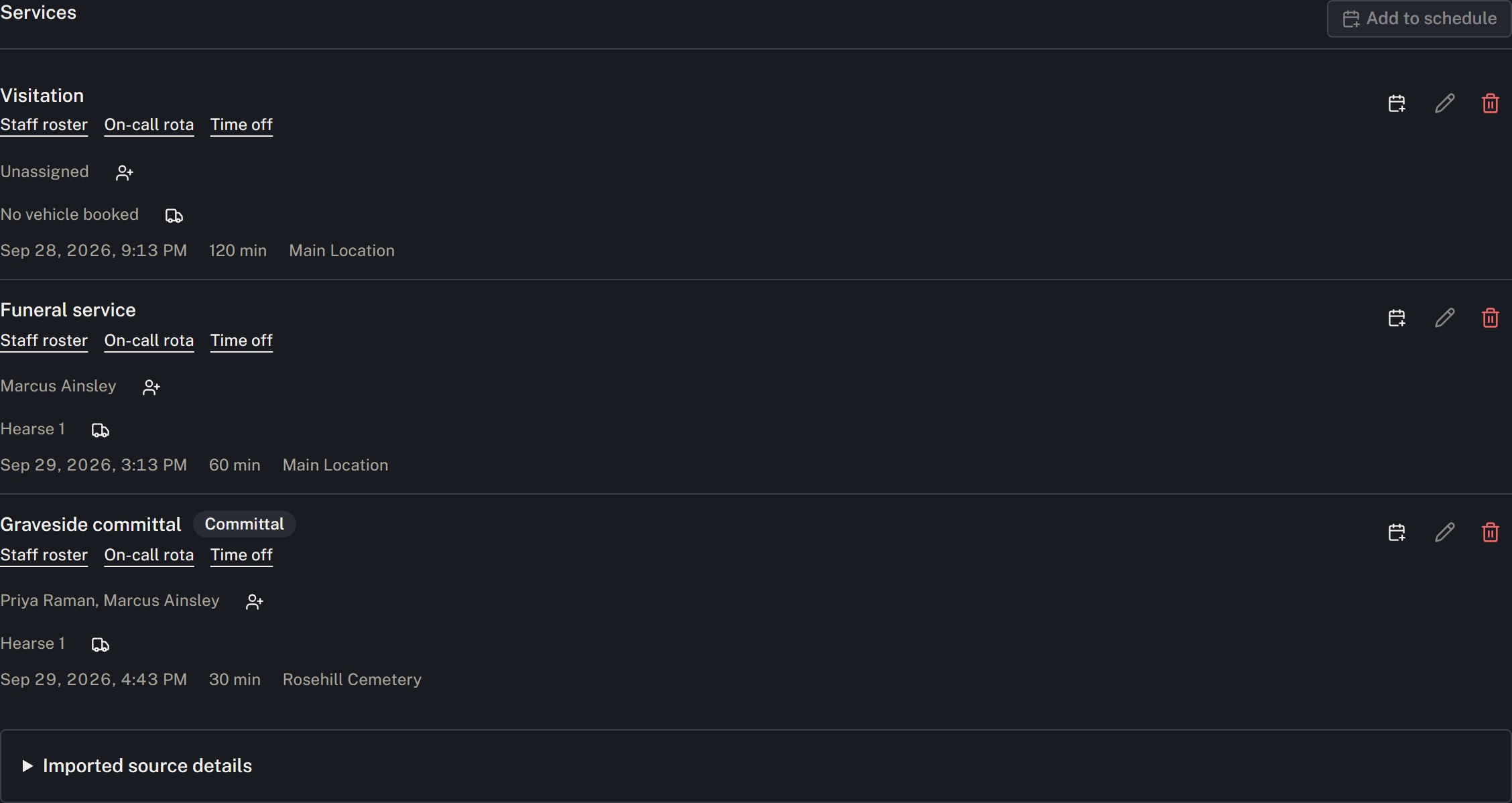
See Schedule a service for editing, cancellation and calendar subscriptions. Build the family's statement from their selections, and track outside responses under Waiting on.
Check the handoff
Before another colleague takes over, check that confirmed bookings are distinguishable from undecided plans and that unfinished tasks have owners and dates. If the time changes, edit the occasion, review resource conflicts and public information, and notify affected people through the firm's normal process. A calendar edit alone does not confirm that everyone has seen the change.
Finish the meeting's records
Record the conversation and next callback under Communications → Recent family contact. Under Service & merchandise, retain the actual price-list copy and record its delivery, then prepare the Family arrangement recap. Review the saved vital-information copy with the family under Vitals, and prepare the appropriate paperwork packet under Contract & payment.
Check required signatures and the effective agreement rather than treating the first signature as completion. Review funding and clearance before confirming the service. Record actual delivery of completed family copies separately from generating or printing them.