Take a first call and assign the next step
Margaret Ashgrove calls about Doris Vance. You know the callback details and the branch handling the case, but the service and disposition are not yet agreed.
You need permission to create cases and access to the receiving location. Search for an existing case first, including any call another colleague may already have handled.
Open the case
- Open Cases → New case.
- Enter the known decedent name, choose At-need, and check the location.
- Under Caller and handoff (optional), record the caller, callback number and relationship. Add the collection details you know and choose a director with access to this location.
- Select Open case. The case opens directly with its number assigned and caller saved. Check the Overview for the caller and director.
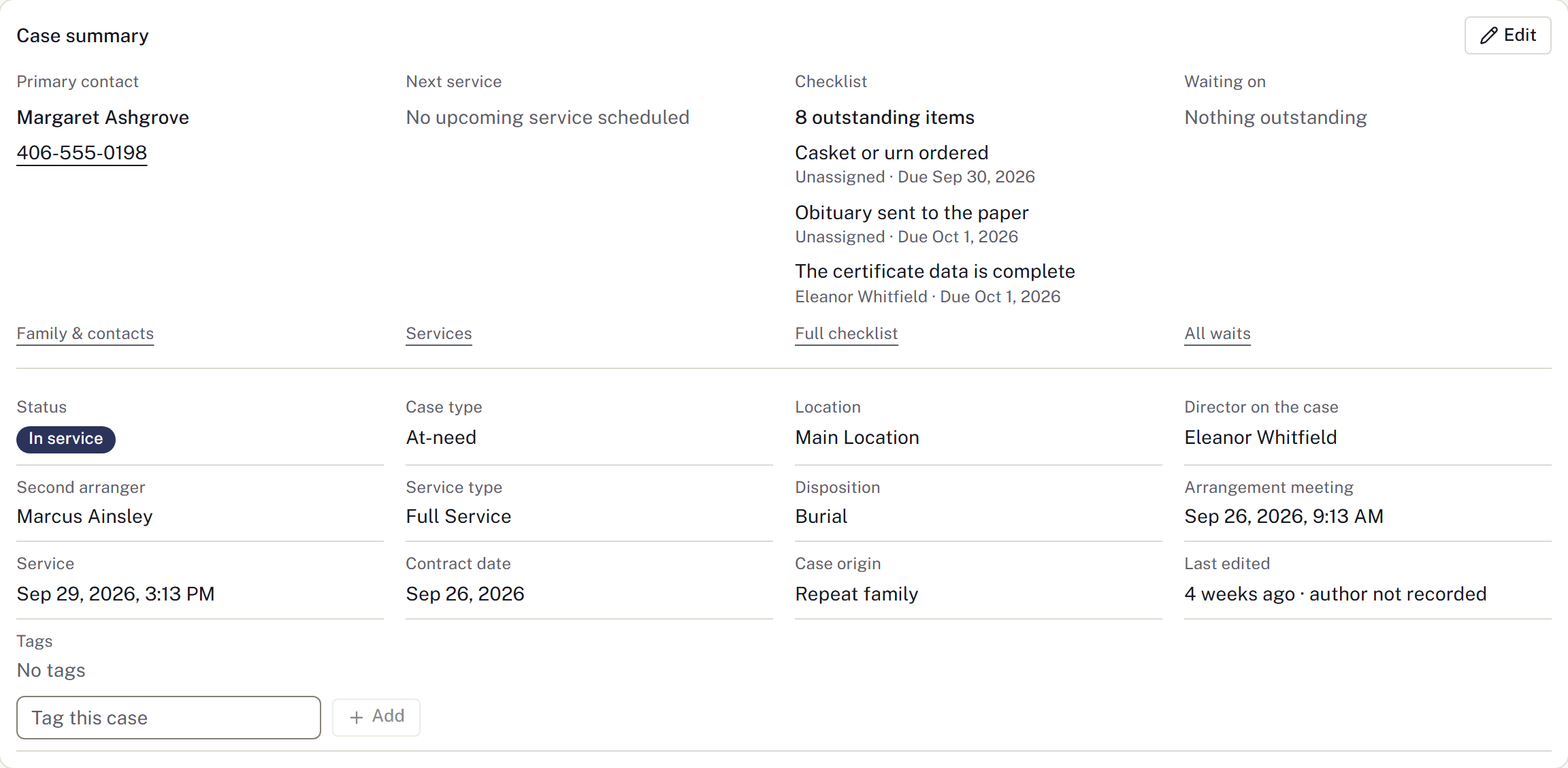
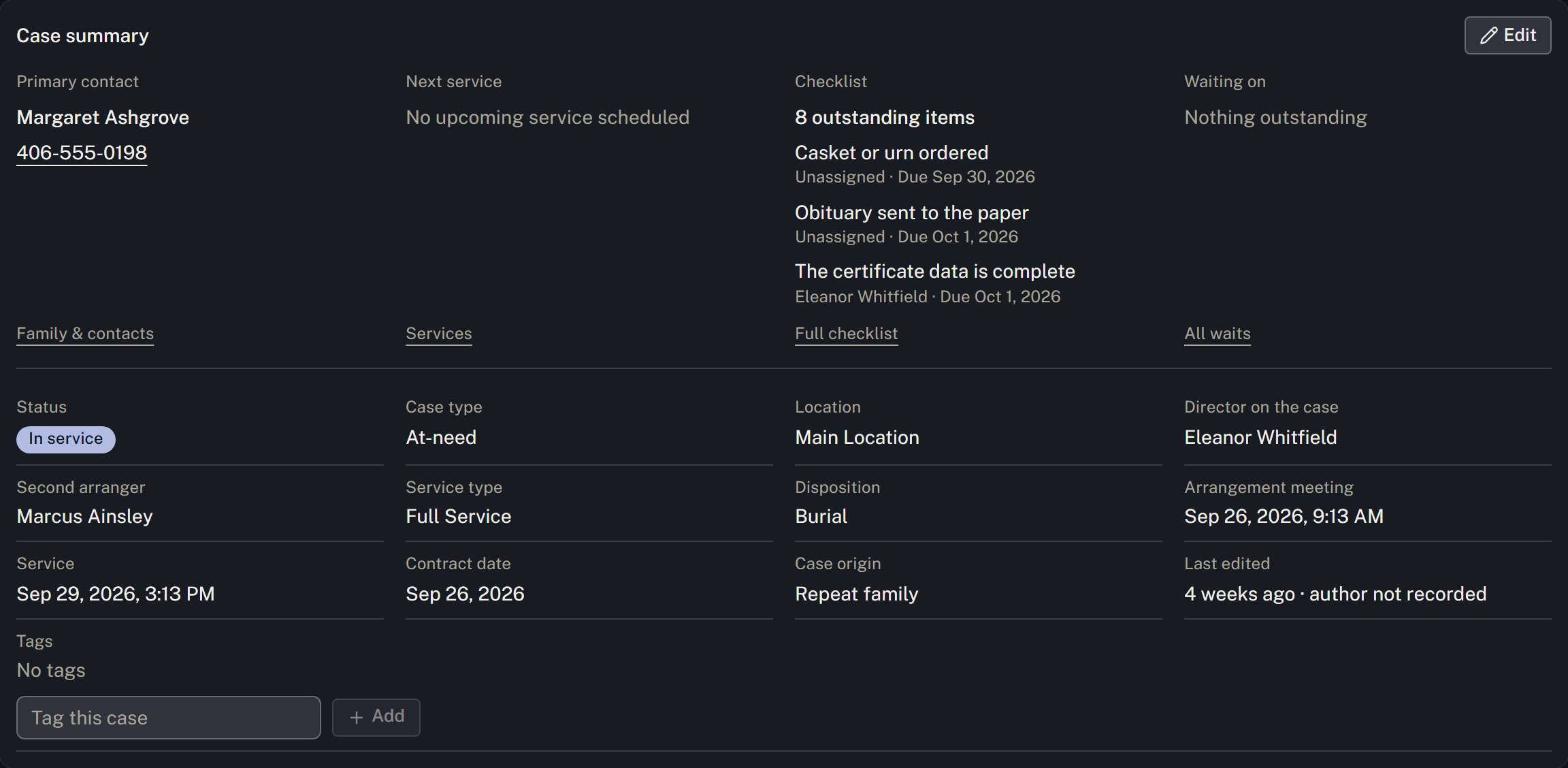
If the report came from a connected feed, start in Intake → First calls → Awaiting review instead. Review the report and any possible duplicates, then select Open a case and check the proposed details before Open the case. Reviewed contains calls already handled. See Take a first call.
Record the caller
Check whether the caller was already recorded during intake. If so, verify those details instead of adding the same contact again.
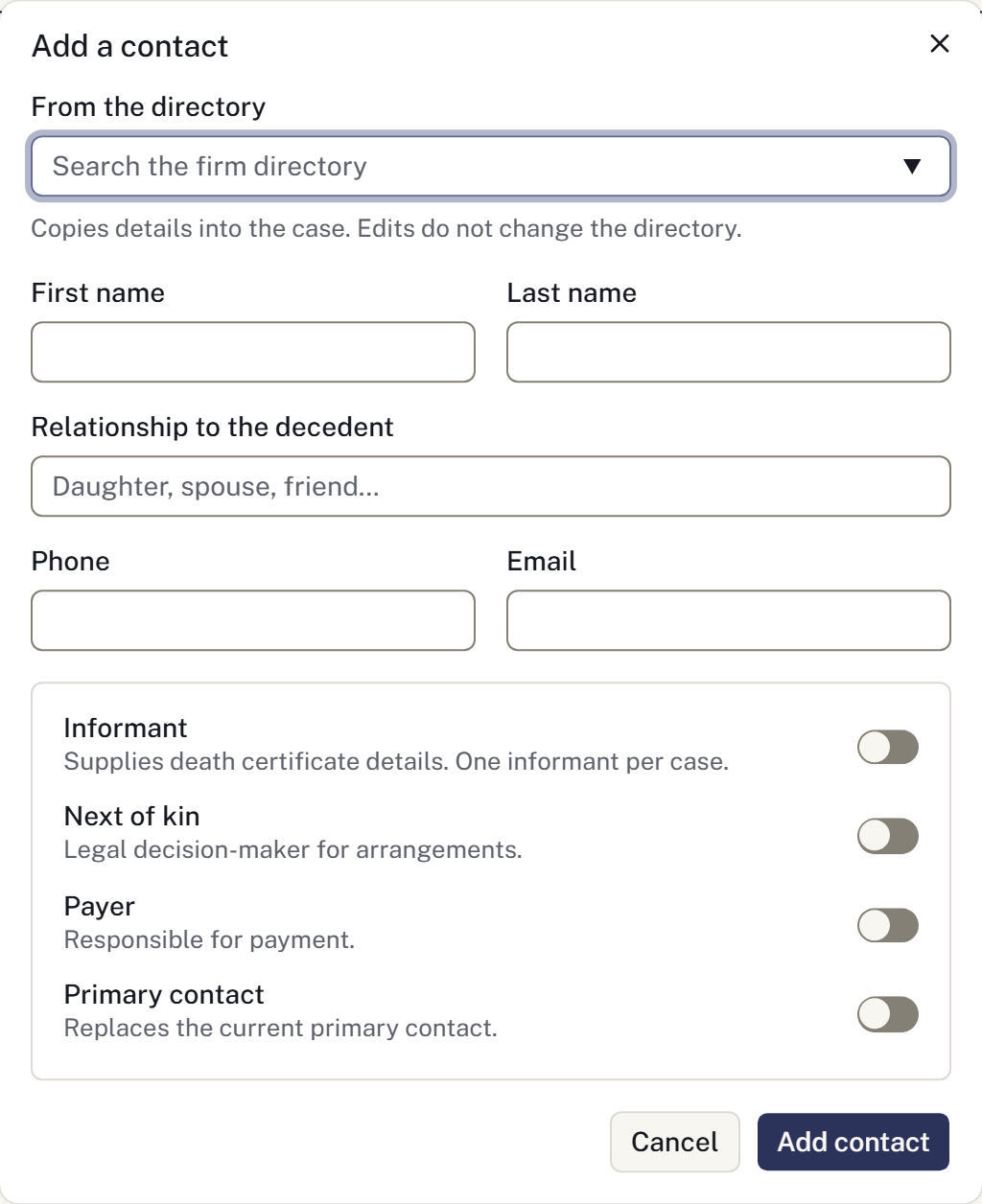
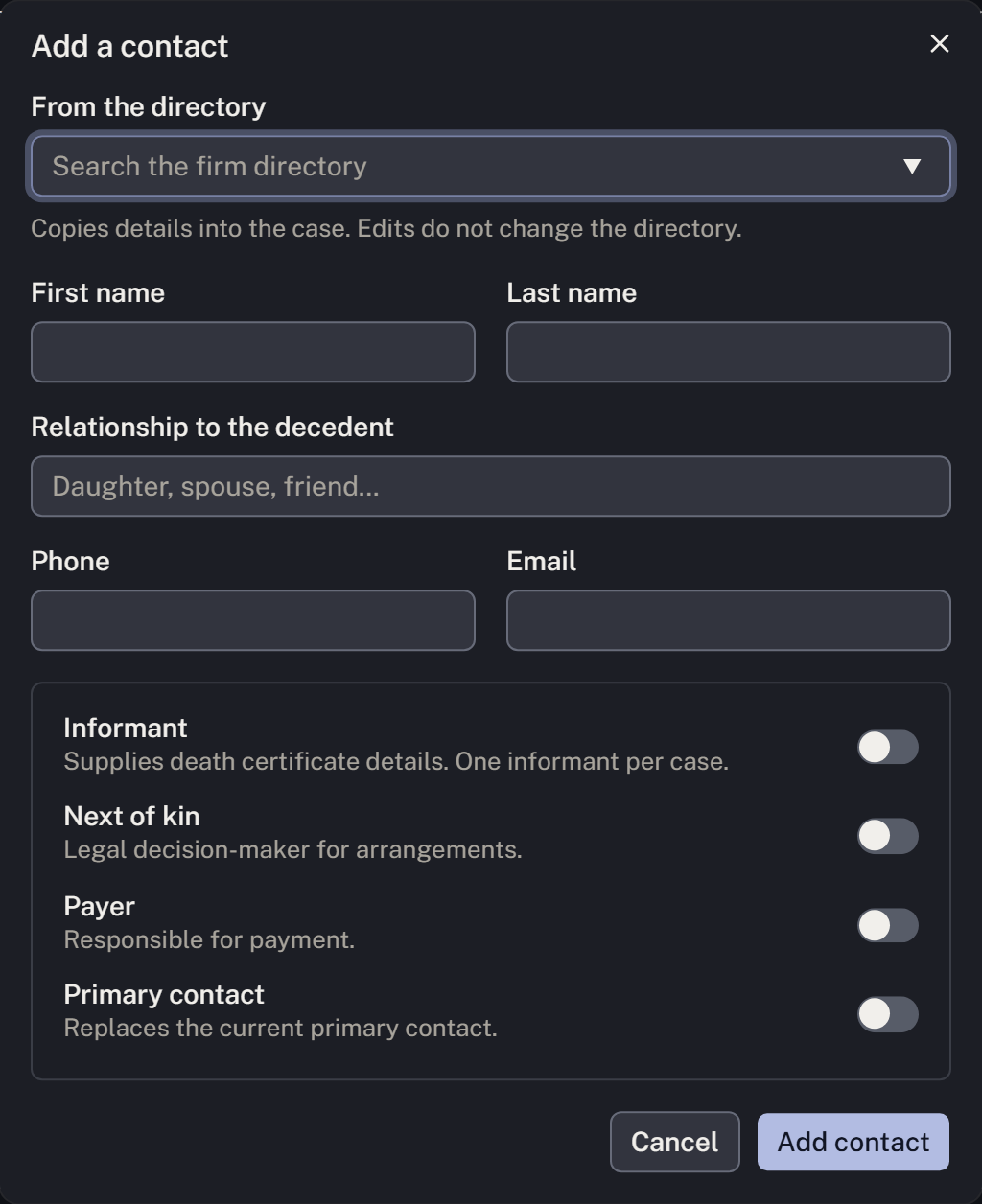
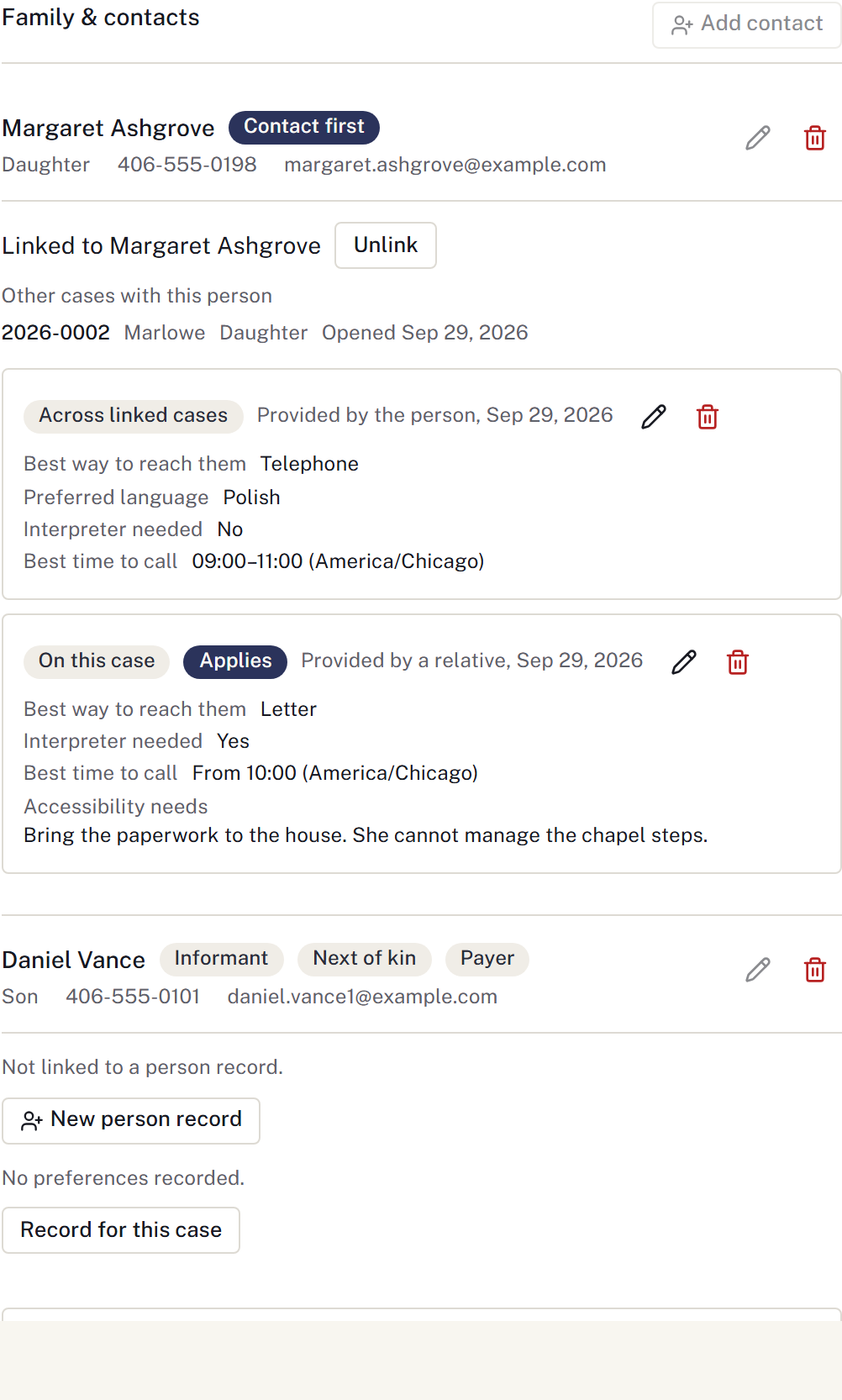
- On the case, go to Family & contacts → Add contact.
- Enter Margaret's name, relationship and callback details.
- Select Primary contact if Margaret should be contacted first. Record other roles only when established; a relationship alone does not establish authority or responsibility for payment.
- Select Add contact and check the saved telephone number.
Assign the next action
Use the Case summary edit control to assign the responsible director. In Checklist → Add item, enter a task such as “Call Margaret to arrange the meeting,” choose Assigned to, and set Due. See Plan the working day.
Before leaving the case, check the branch, primary contact, responsible director and next task. Save known information and return to missing details later.
If the firm is collecting the decedent, continue with Arrange and record a collection. If another colleague has already handled a feed report, refresh and open the linked case instead of creating another.
Record the first conversation
Use Communications → Recent family contact → Record contact to record the call's actual outcome. Choose Reached only after a conversation; voicemail and no answer stay distinct. Link an existing callback under Complete callback after conversation only if that work is finished, and add the next follow-up with its owner and date if needed. Correct the contact record through its correction action if a detail was entered wrongly.