Handle changed arrangements
The family asks to move a scheduled funeral two hours later. The director handling the change needs to check every affected commitment.
Confirm and update the plan
- Confirm the request with the appropriate family contact and use Record contact to record the conversation and next follow-up.
- Select Change arrangement, choose Service and enter the revised details. Select Review affected work and check the listed commitments before Save change.
- Review Arrangement change reviews and the revised occasion on the case and Calendar. Review separately booked visitation and committal times too.
Check everything affected
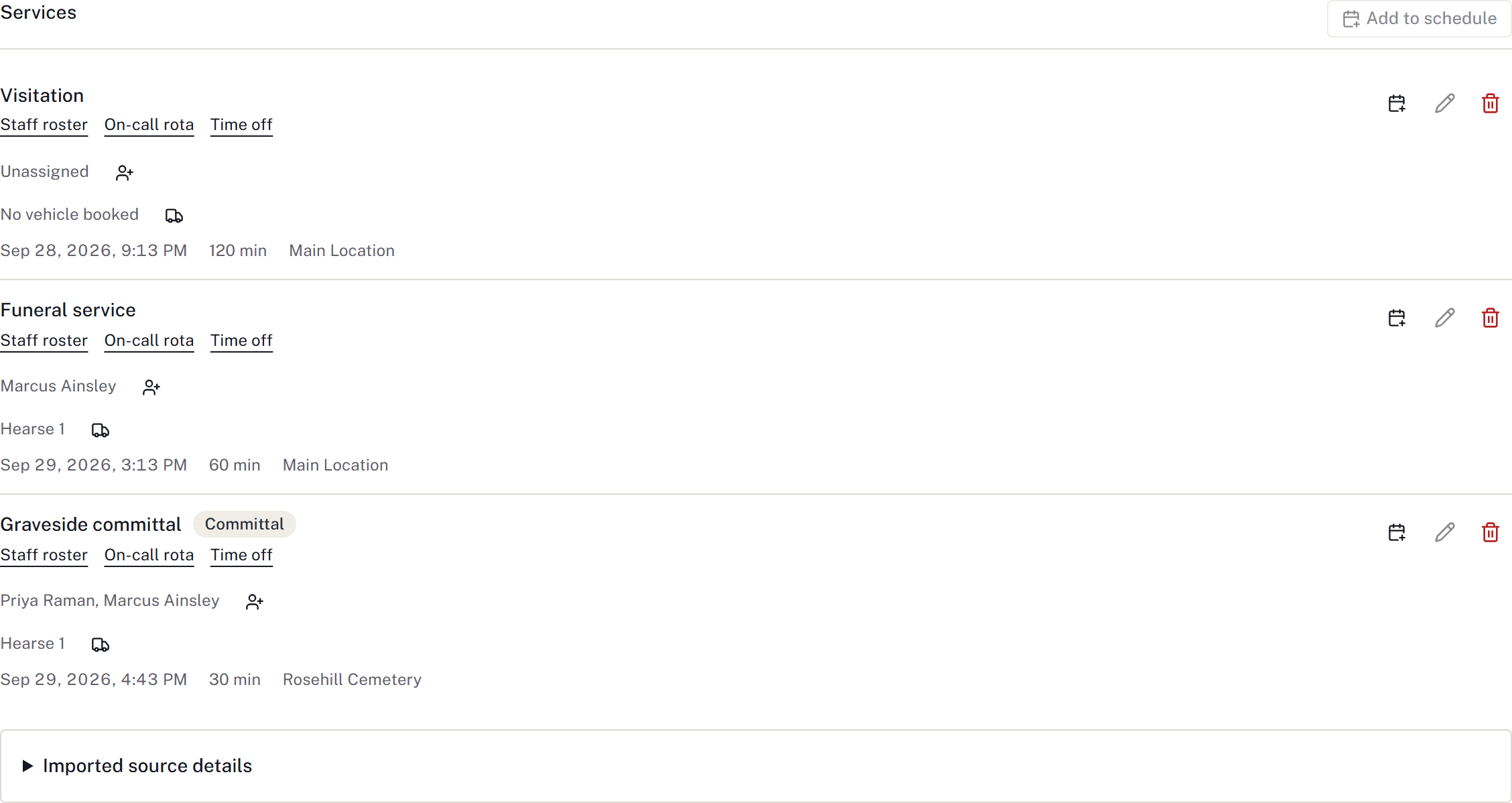
- Running sheet: relative steps move with their service. The bearers' -45-minute step remains 45 minutes before the revised start. Fixed appointments keep their existing time; review those individually. Check the sequence and print a fresh copy.
- Staff and vehicles: confirm the assigned people and vehicle can cover the revised time. Update the booking where a replacement is needed.
- Suppliers: contact affected suppliers. Use Revise promise only after agreeing a new promised time. Follow the supplier workflow for an unresolved problem.
- Statement and paperwork: if the goods, services or charges change, review the statement and affected documents. Arrange any required updated agreement through paperwork and signing.
- Family and public information: check what is announced on the website, the obituary and any shared documents. Communicate the confirmed change through the firm's normal channels and record the contact.
Close the loop
Give any unanswered confirmation a follow-up owner and time in Waiting on. Brief the service team and include unresolved work in the shift handover. Saving a calendar edit does not confirm that the family, staff or suppliers have received it.
Finished when: affected records agree with the revised plan, people have been informed, and any outstanding confirmation has an owner.
Notify people and record acknowledgement
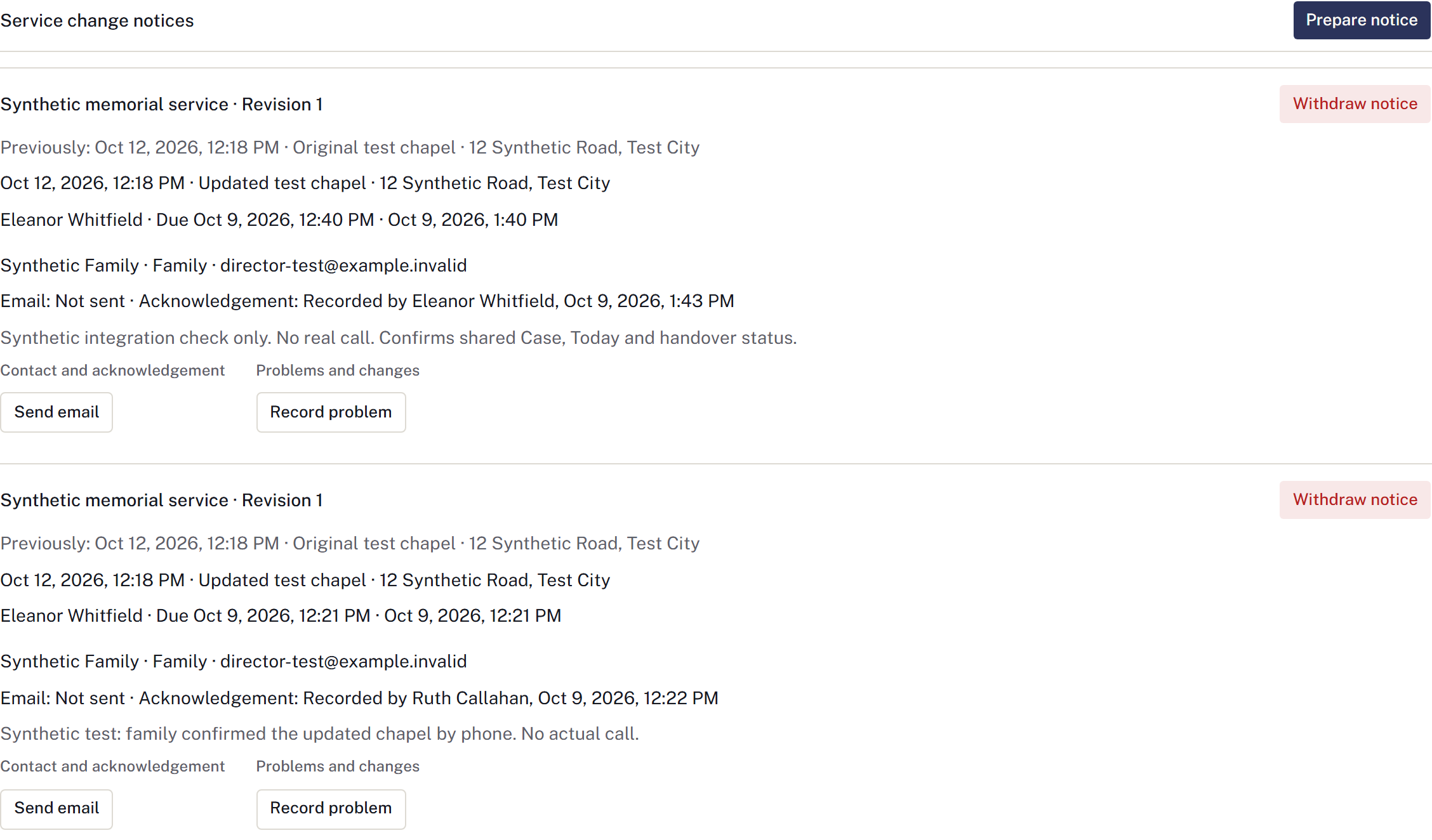
In Service change notices, select Prepare notice for the changed service revision. Choose each family, supplier or staff recipient, the responsible staff member and follow-up deadline. Review the prepared details before Send email for a recipient. Preparation alone sends nothing.
Check the email outcome and acknowledgement separately. Sent — delivery unverified does not mean the recipient confirmed the change. Use Record phone acknowledgement or Record in-person acknowledgement after that contact actually occurs, or Record problem if it remains unresolved. Check an uncertain send before Retry email.
If the service changes again, prepare a notice for its current revision. Do not reuse acknowledgement of the old time. Today's Service and newspaper follow-ups and the handover show this same outstanding status.
For an existing newspaper placement, contact the publisher, obtain current obituary approval and record a replacement submission and publisher confirmation. Changing the case does not amend an advert already submitted.