Record a payment and review closeout
A family pays by check after the service. Record the receipt, then review the remaining paperwork and follow-up before deciding whether the case is finished.
You need permission to manage financials to record a payment. Confirm that the money has been received and is not already in the ledger.
Record and verify the payment
- Open Payments → Record payment on the case.
- Set Type to Payment and enter a positive Amount.
- Set Received on to the day the firm received the money, choose the actual Method, and enter the check or transaction Reference.
- Add useful Notes, then select Record payment.
- Verify the ledger entry, Collected and Balance due against the statement.
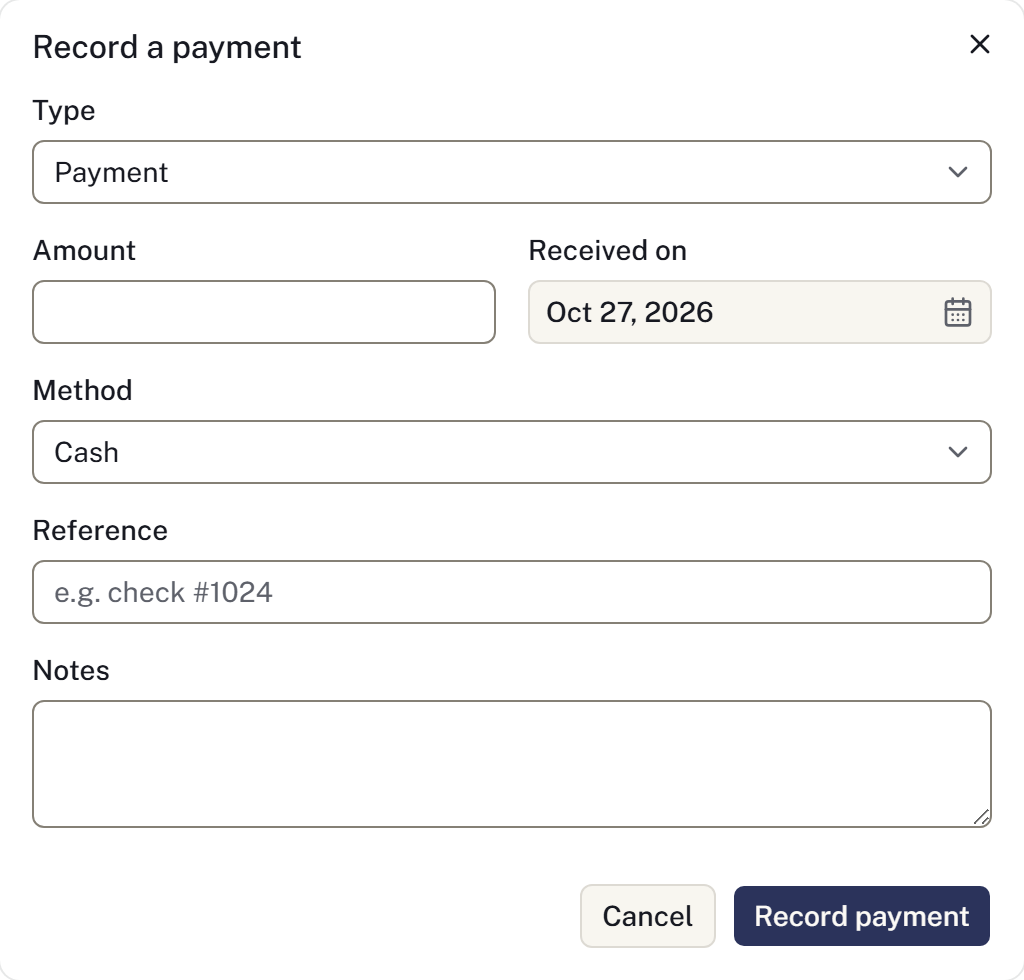
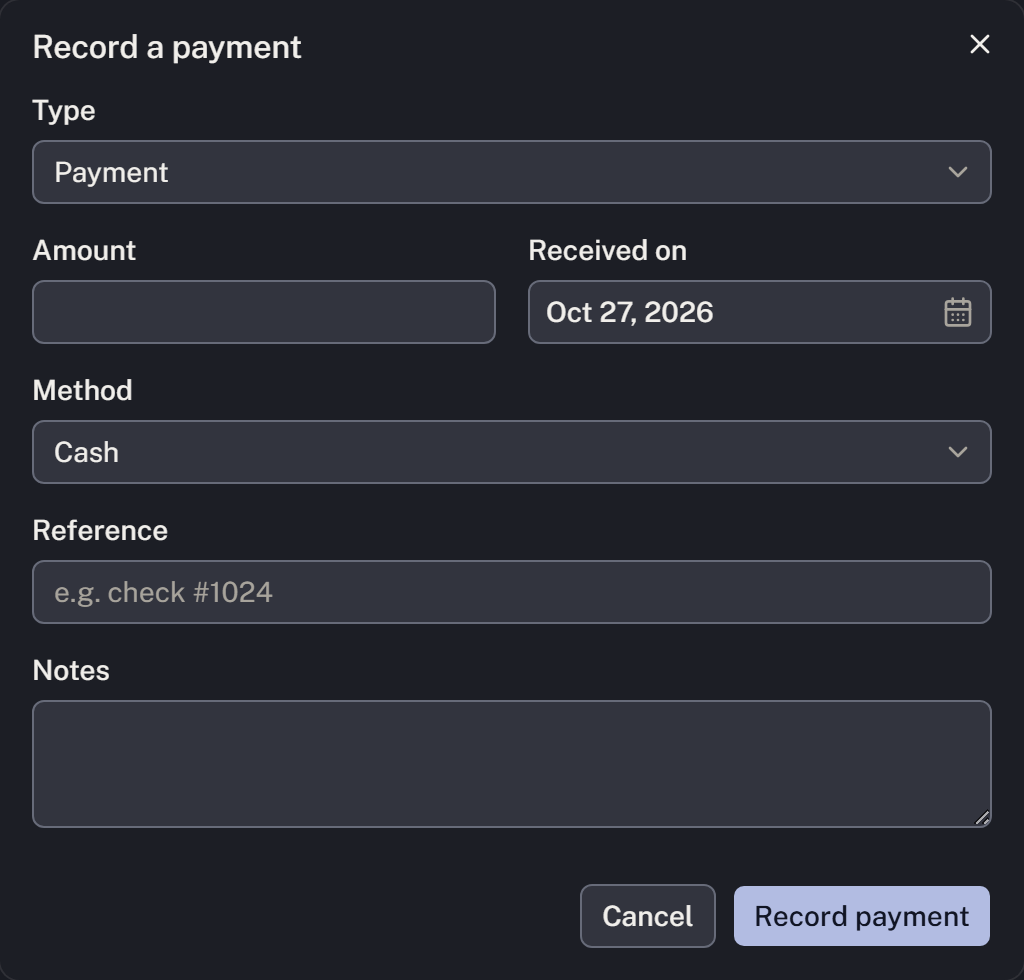
For example, a check received on Friday and entered on Monday keeps Friday's receipt date. A payment plan records an agreement; it does not collect the money. An insurance assignment does not reduce the balance until a settlement is recorded.
Successful online payment requests add payments automatically. Check the ledger before entering a manual payment, and look for a saved entry before retrying after a timeout. For corrections, use Correct a payment. See Record a payment for deposits and receipts.
Review the remaining work
- When the firm has finished working on the case, select Archive case and verify the name.
- Review the findings for statements, balances, signatures, supplier orders, external requests, checklist and belongings.
- Return to unfinished work where needed. Unknown and Not tracked yet do not establish completion.
- If you intentionally proceed with outstanding work, explain the reason requested by the dialog before Archive anyway. Otherwise complete the applicable work and review again.
- After archiving, check that the case leaves the default working list. Use Cases → Include archived to find it later.
Archiving does not settle a balance, record a physical handover or complete an outstanding task. It restricts editing and stops family links from working. See Archive a case for the effect and recovery path.
Before ending the closeout, confirm that the ledger reflects money actually received and that any remaining responsibility has been deliberately addressed.
Check retained evidence
Review current vital-information verification, recap and packet signatures, and recorded delivery of the completed family copies. Check belongings quantities and receipt acknowledgements. Review outstanding service notices, newspaper placements and change reviews where those workflows were used.
Optional notices and placements are not mandatory for every case. An absent optional record does not prove external work happened; an unavailable read does not prove completion. Resolve or deliberately account for remaining responsibilities before archiving.