Follow a cremation order through handover
A booking is not a run record. Confirm requirements before cremation and record the recipient at release.
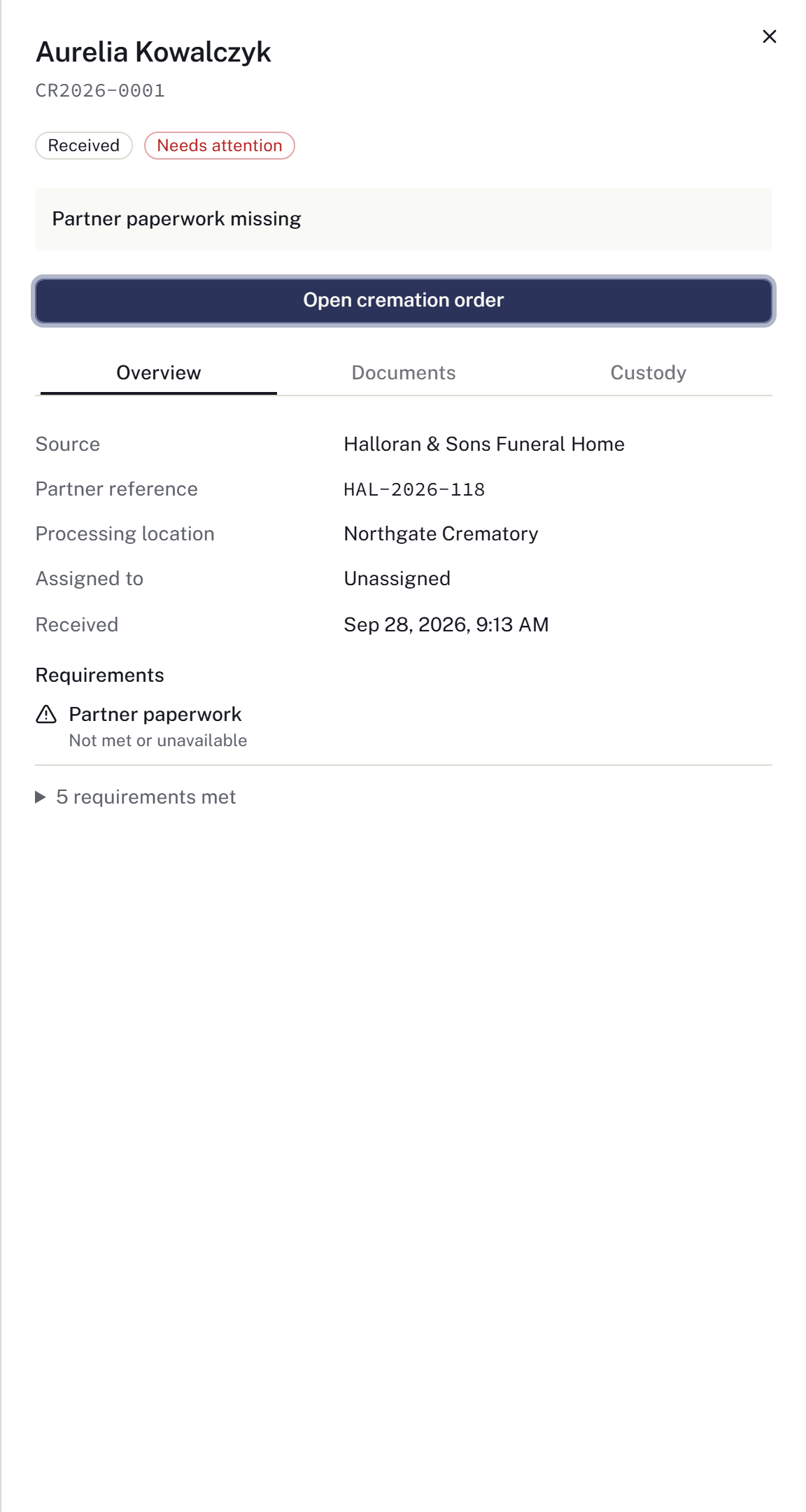
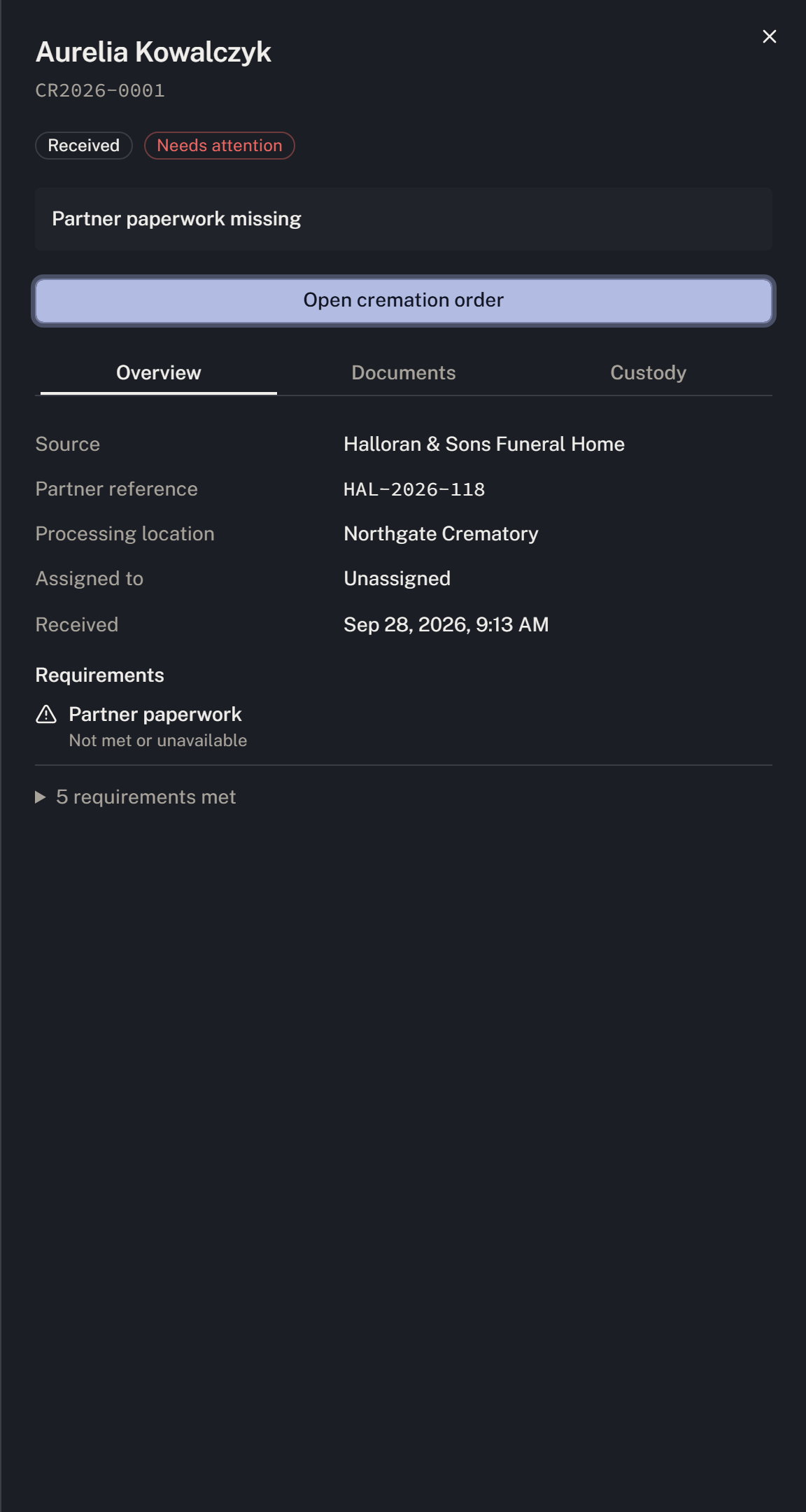
The examples below show two orders: Aurelia Kowalczyk has partner paperwork outstanding, while Barnaby Ferreira is awaiting release. Use the order that matches the decedent and work you are handling. Follow the firm's identification, authorisation and operating procedures.
Choose Crematory operations in the workspace selector. Your permissions and location access determine which orders, case evidence and actions are available.
Resolve an outstanding requirement
- In Operations queue, find the order and read Stage and Next action.
- Open the row, then select Open cremation order.
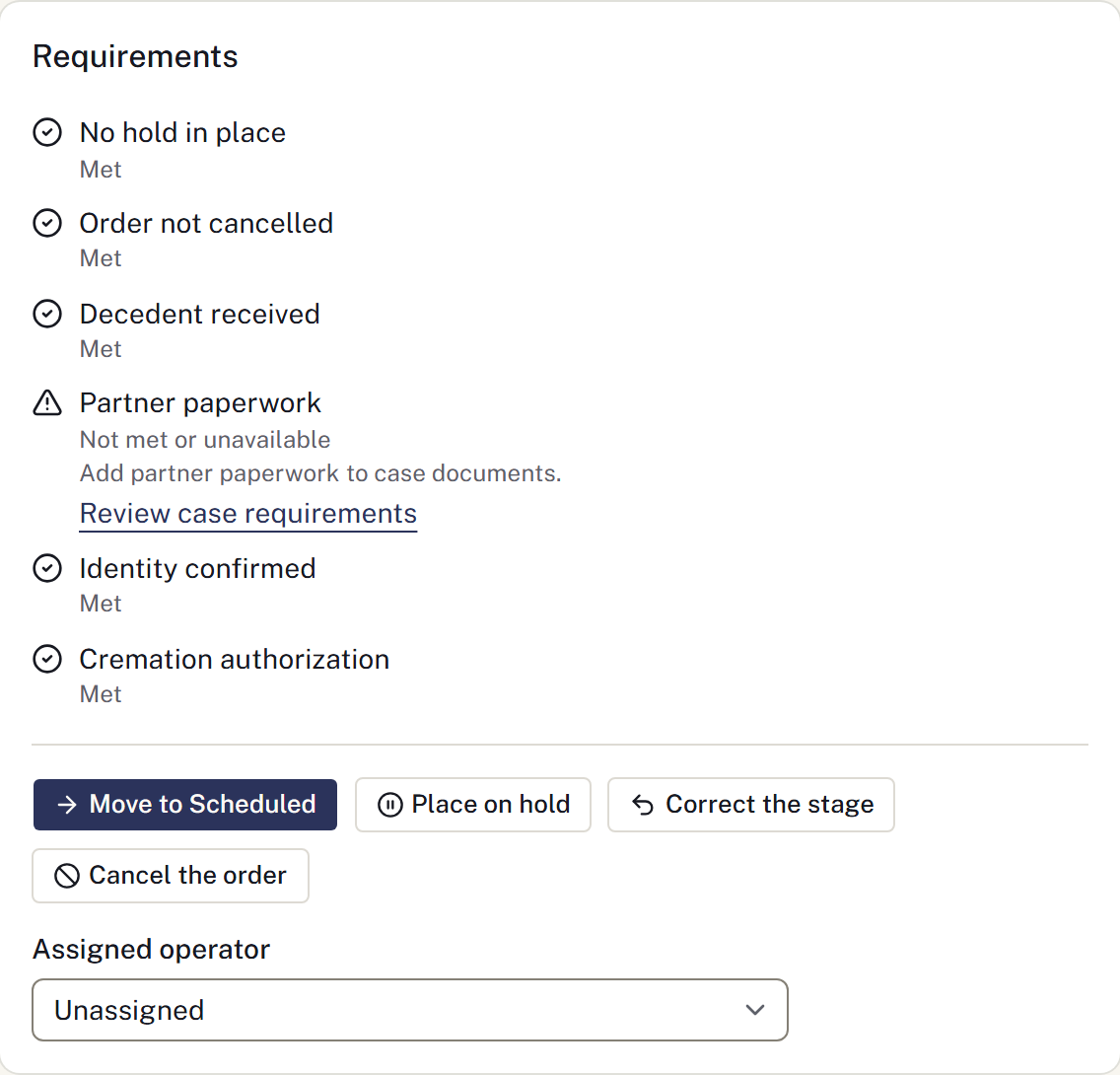
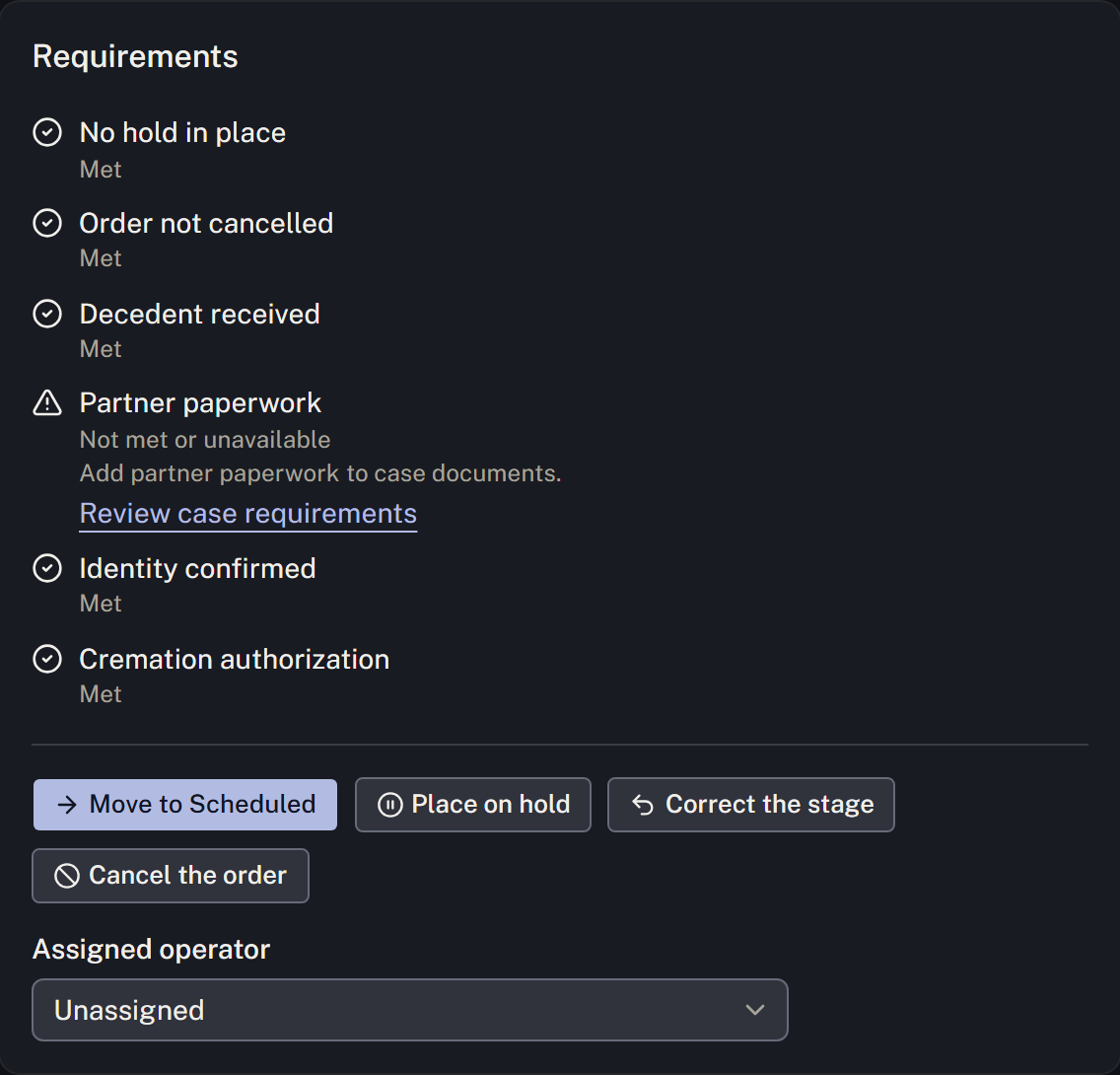
- Review Requirements. In the paperwork example, Partner paperwork explains what is needed and provides Review case requirements to open the case documents.
- Record the actual supporting evidence through the case workflow, then return to the order and review its requirements again.
If the evidence is unavailable to you, ask the responsible location to review or record it. Do not treat a requirement you cannot verify as met.
Keep planned and actual work distinct
Use Book a slot under Bookings to reserve retort time, and review the booking before Move to Scheduled when appropriate. The stage actions and operator assignment sit at the end of Requirements. Booking does not update the order stage. A reserved slot does not authorise starting the cremation.
As work proceeds, use the order actions and Open run record to record the actual work. A stage change does not create a run record. See Record a cremation run for the stages, run details and statements.
Record the handover
- Open Release and find the correct order under Awaiting release.
- Select Record handover.
- Check Handover and enter Released to exactly as on the receipt. The recipient name cannot be edited afterwards.
- Set When the remains were handed over to the actual time. Record the identification method, staff member and notes where known.
- Once the physical handover has occurred and the details are correct, select Record the handover.
- Verify the recipient and time under Recently released, then review the custody record.


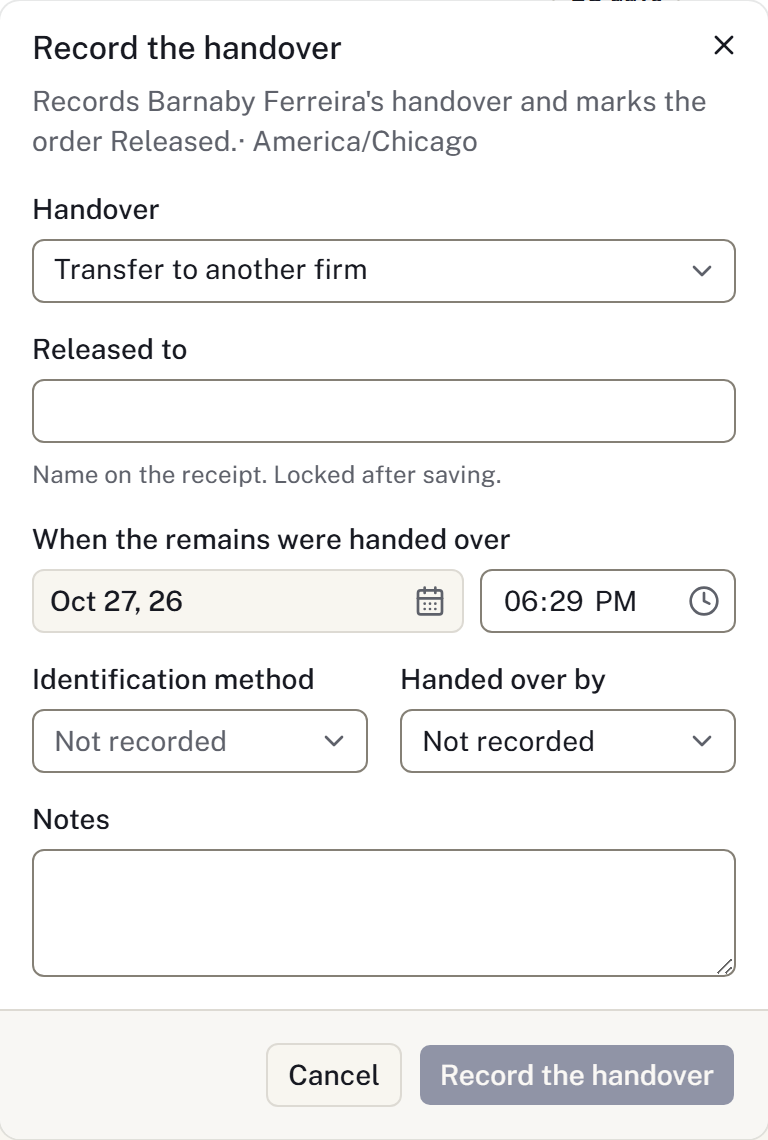
The handover action records the recipient and custody event together with the final order stage. Check the saved result before entering another handover if the connection is interrupted.
For belongings released with the remains, record the actual item handover and receipt acknowledgement in Belongings. The cremation release records the remains, not the item quantities.