Record an arrangement
Open the case before the meeting so you can record the family's decisions as you go. The overview shows the director, contact and next work. Use the case areas to move between Vitals, Service & merchandise, Contract & payment and the supporting records.
Add the decedent's details
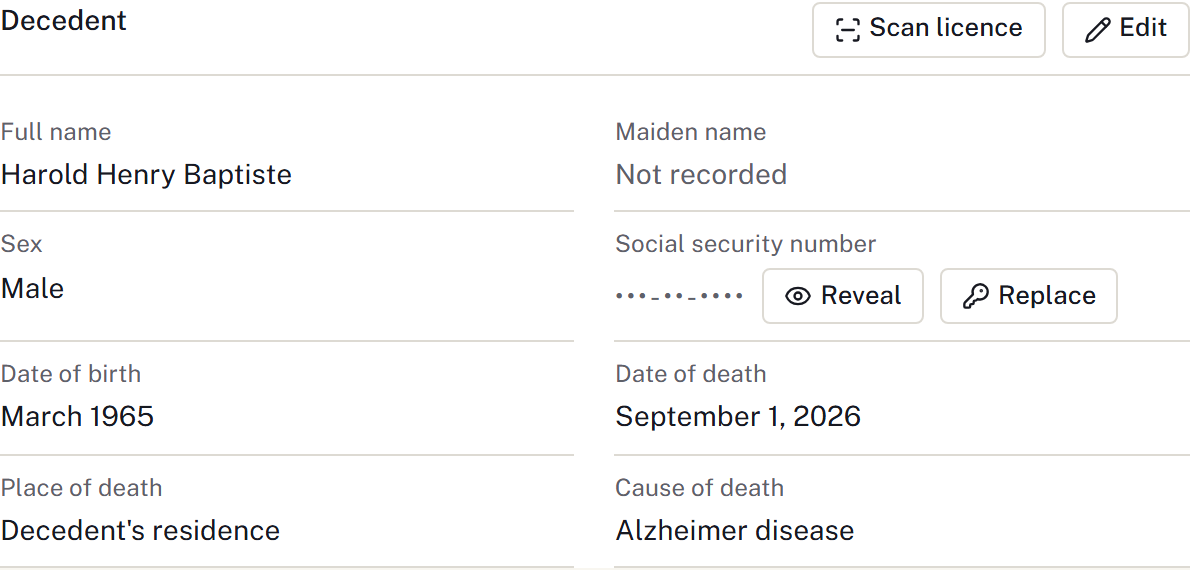
- Go to Decedent and select Edit.
- Enter the known names, dates, place of death and disposition.
- Select Save changes.
On an open at-need case with no vital statistics yet, the decedent's name, sex and dates are entered in the worksheet under Vitals, and Decedent shows only the remaining details until that worksheet is saved. See Complete vital statistics.
Disposition describes burial, cremation or another physical outcome. Case status describes the progress of the work. Check both when updating the case summary.
Add family contacts
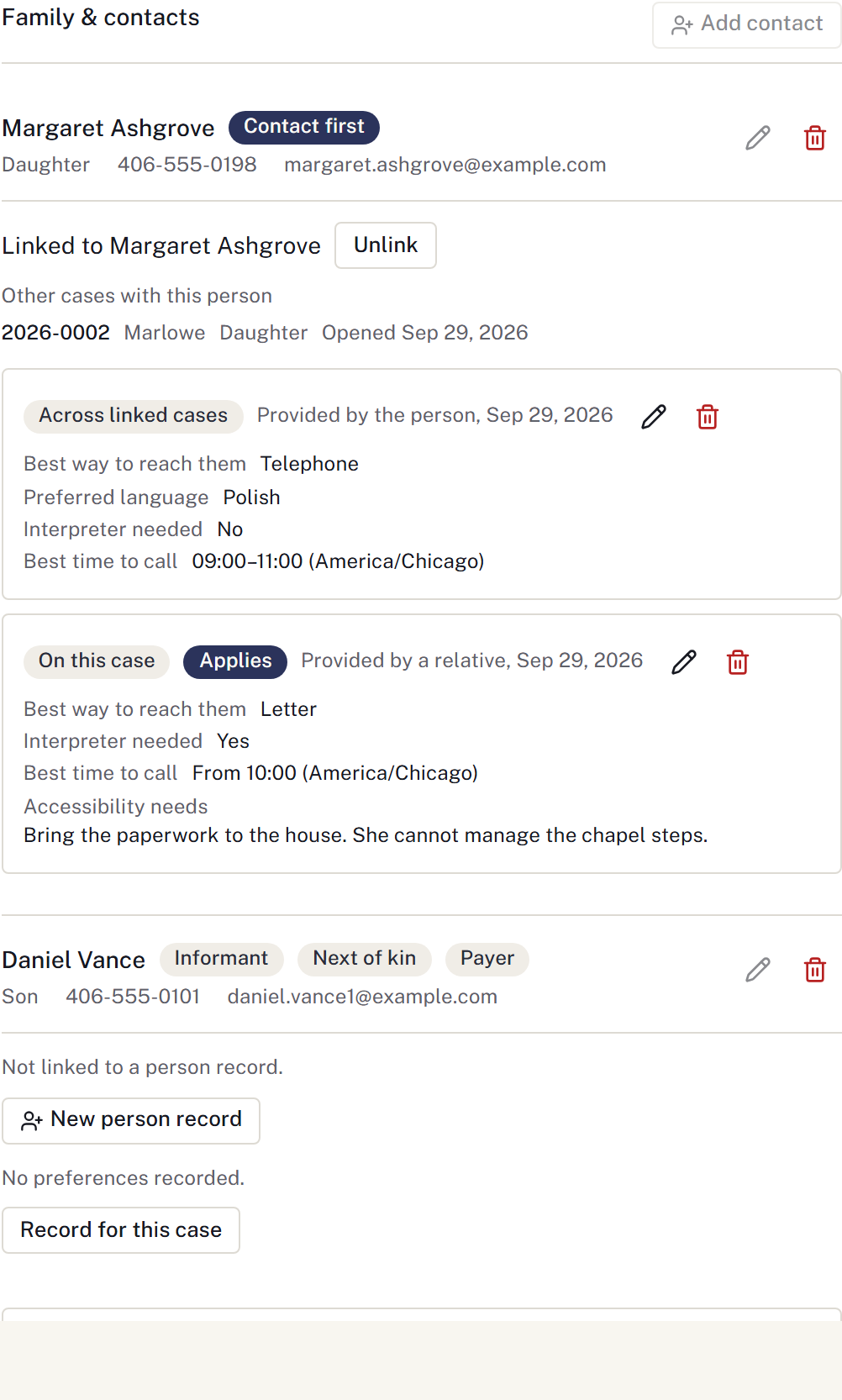
- In Family & contacts, select Add contact.
- Enter the person's name, relationship and contact details.
- Record the applicable roles, including informant, next of kin and payer.
- Save the contact. Repeat for other people involved.
Keep these roles separate even when one person holds several. Record authority according to the firm's verified arrangements; a relationship label alone does not establish who may authorise a procedure.
Record the plans
Use Services → Add to schedule for each visitation, service or committal. Include its own time and venue. See Schedule a service.
In Checklist, use Apply a list for a standard process or Add item for individual work. Assign a colleague and due date where needed. See Plan the working day.
Build the statement from the family's selections. Use Vital statistics for certificate details and Invite the family for information they will provide later.
Notes and recordings
Use the area's notes for staff working notes. Choose Add note to save an attributed entry; use Correct to record a correction while retaining the earlier entry. Notes & history brings the history together. A note can refer to a task but does not complete it or send anything to the family. Keep public obituary wording in Obituary instead.
If you record the conference, follow Record a conference, including the announcement and review before drafting. For a meeting completed on paper, use Work during a connection problem.
For a worked example with screenshots, see Workflow example.
Record contact and the next callback
Under Communications → Recent family contact, use Record contact for a conversation or attempt. Choose the family contact, purpose, channel, outcome and When it happened. Record a voicemail or unanswered attempt as such; only Reached can complete a callback through Complete callback after conversation.
Add a Next follow-up, owner and due date when another action is needed. Check Recent family contact and the saved task. Use Correct contact record to correct history without erasing the original. Contact preferences remain separate from what happened on this occasion.
Keep the price-list copy and delivery record
Under Price lists, prepare the appropriate general, casket or outer-container copy. Open and check that retained edition. Use Record delivery to name the exact copy, recipient, method and actual time after providing it, sending it or recording that it was offered and declined. Preparing or opening a copy does not send it or record delivery. Use Record correction for a mistaken delivery entry.
Prepare the family's recap
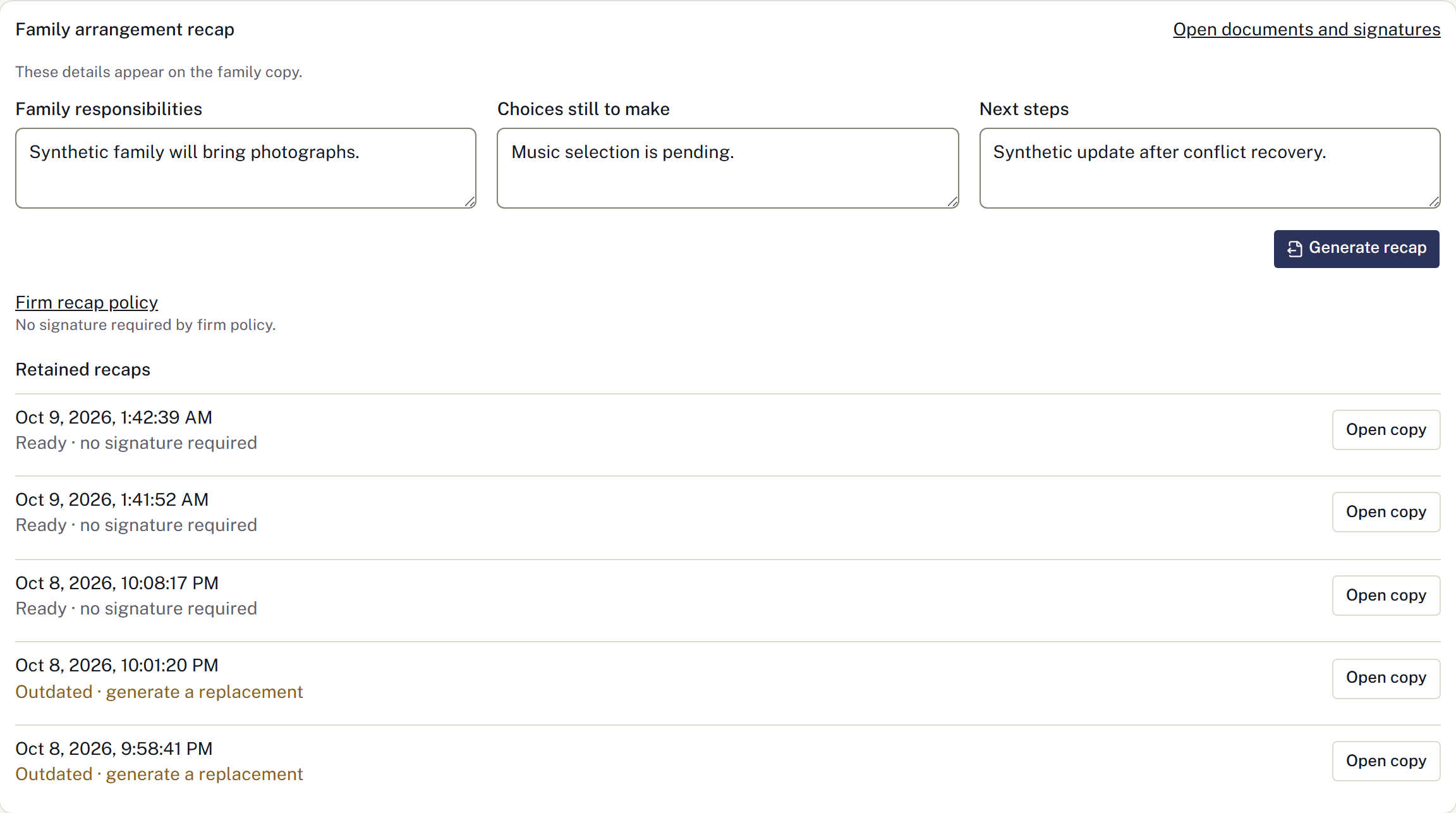
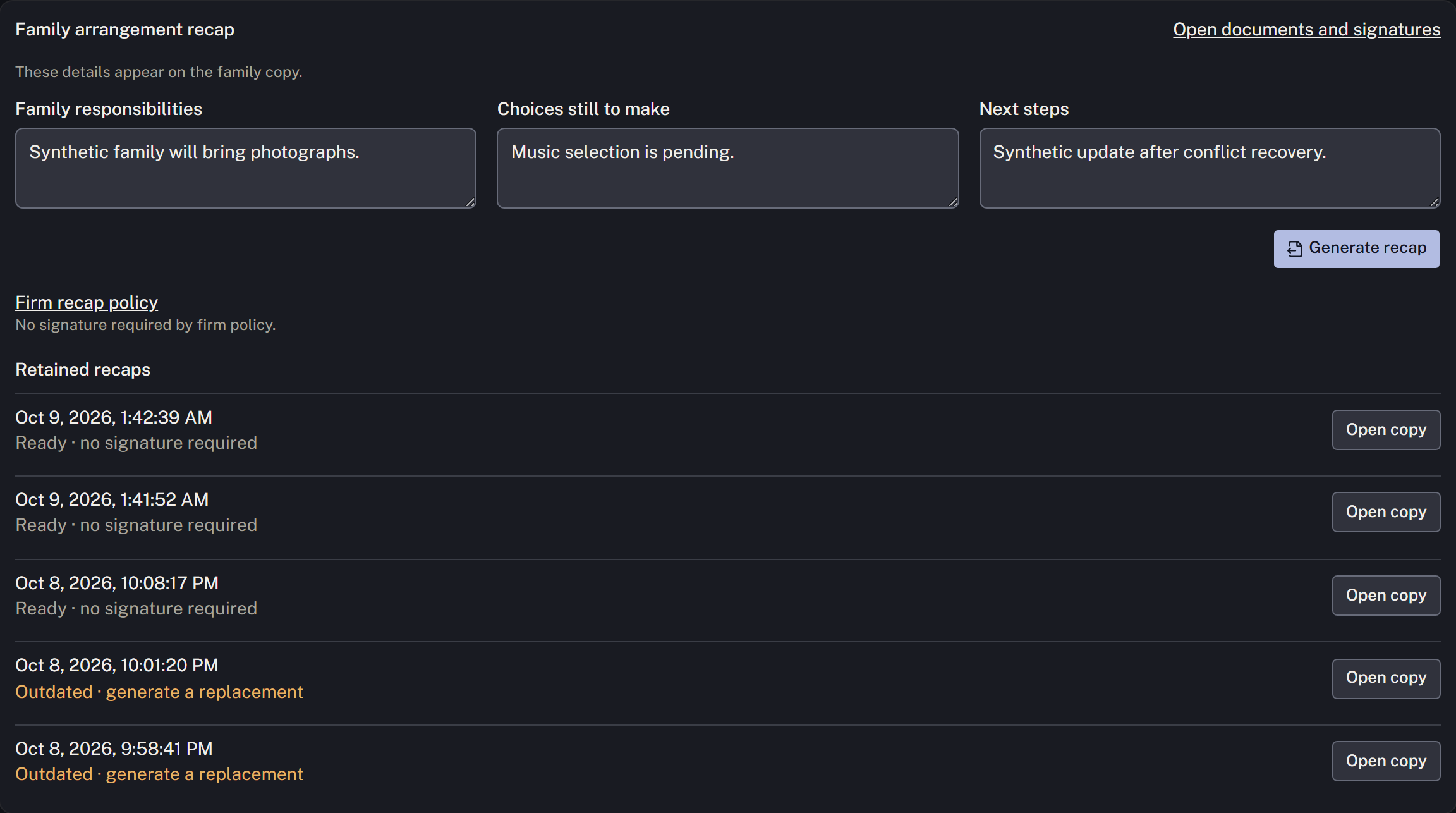
In Family arrangement recap, enter Family responsibilities, Choices still to make and Next steps, and choose the occasions to include. These fields appear on the family copy; keep private working notes elsewhere. Save recap details, then Generate recap and check the retained PDF.
The firm administrator sets Firm recap policy and its approved acknowledgement wording in Settings → Case workflow → Form templates → Family review policies. If a signature is required, configure the required signers in Documents. Changes to the source details or firm policy make an earlier recap outdated; generate a replacement and obtain the required signatures for that copy.
Use Paperwork packets to prepare the applicable documents and record their delivery. Arrangement readiness links to the current evidence; Not verified means staff still need to establish the result. A funding record alone does not establish financial clearance.